
7 Spinzo Tips That Save Time
Small changes in how you use Spinzo can make a big difference in managing your promotions. From organizing groups and reports to utilizing features that simplify the setup process, there are several ways to save time and keep things running smoothly.
Below are a few best practices and tips to help you make the most of the platform.
Naming the Group
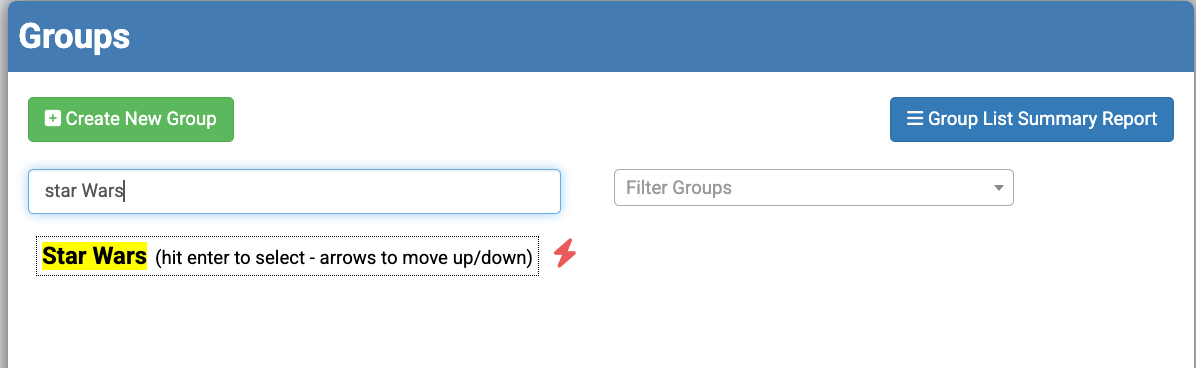
Spinzo recommends using the same groups year after year so that all historical data can be found within the same group. For this reason, group names should typically exclude the year or season. This helps avoid duplicate groups and keeps the Group Dashboard organized.
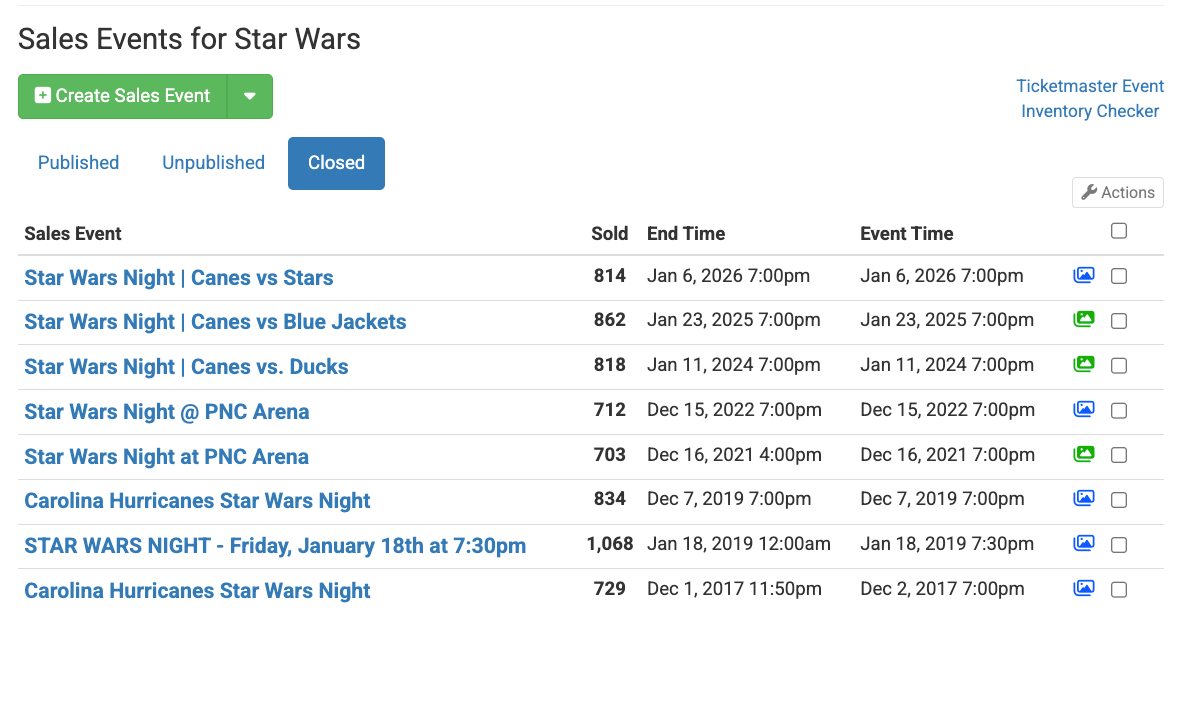
For example, the Carolina Hurricanes have used the same Star Wars group since 2017. Although the assigned sales representative may have changed over time, all the previous data can be found within the same group.
Create a New Free Tier Each Season
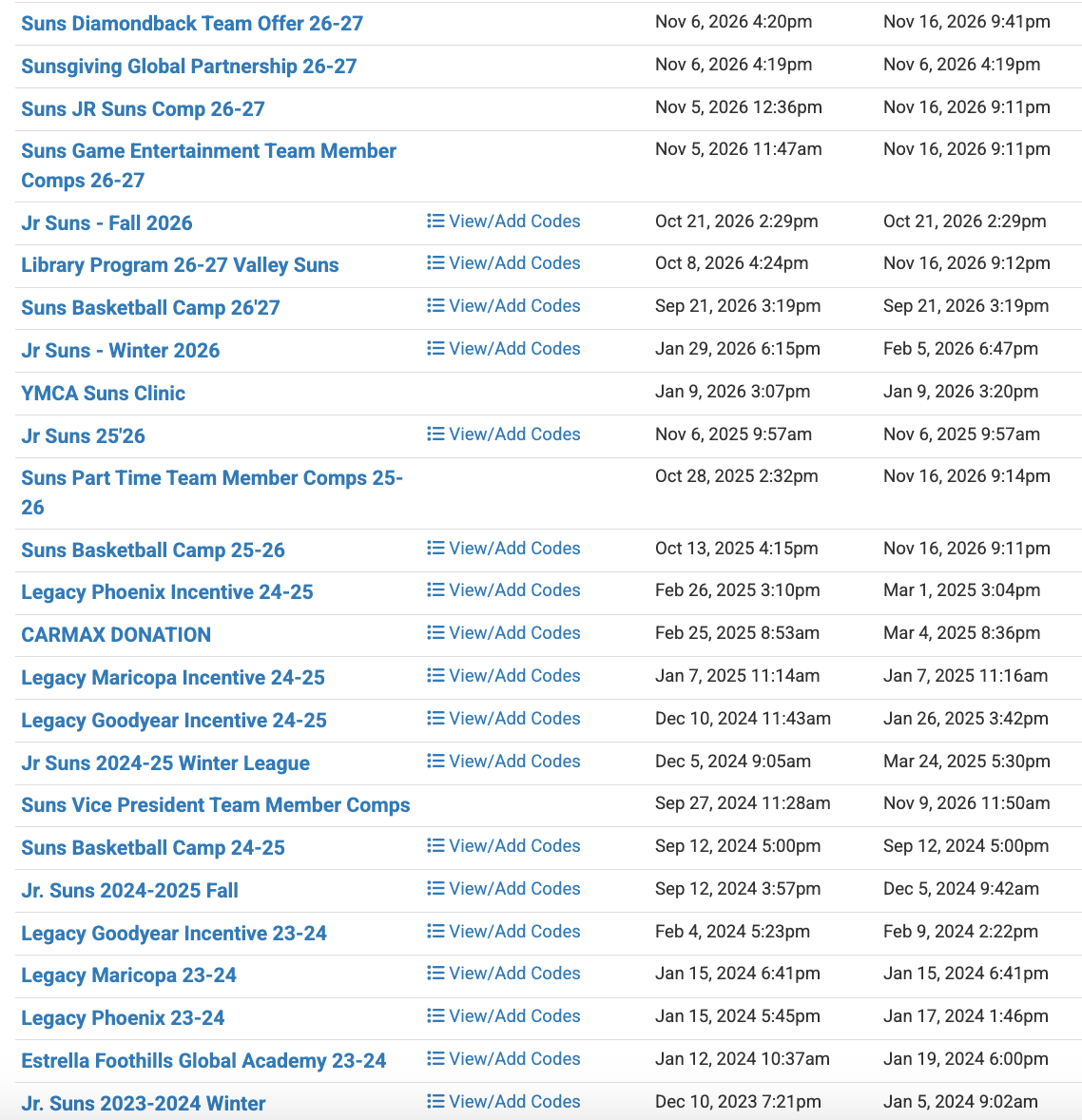
Although Spinzo recommends using the same group year after year, the opposite is recommended for Free Tiers. Due to the limits associated with Free Tiers, it is the best practice to create a new Free Tier for each season. Free Tier names should include the year or season to help distinguish them.
In the example below, the Phoenix Suns consistently create new Free Tiers and include the corresponding season or year in the name.
Utilize Affiliates When Possible
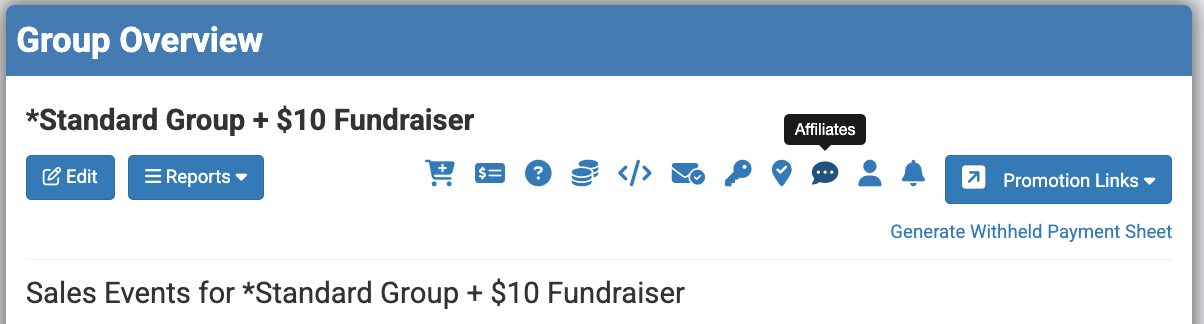
Spinzo's Affiliate technology allows teams to create a unique link for a group within seconds. Many teams are now utilizing preset standard promotions so they can quickly build new Affiliates throughout the season. Although Affiliates live within a Group, each individual Affiliate link can have its own branding, headline information, sales representative and specific set of games.
For more on Affiliates, checkout this article: Save Time by Building Affiliates from Standard Groups.
Utilize Event Code Link
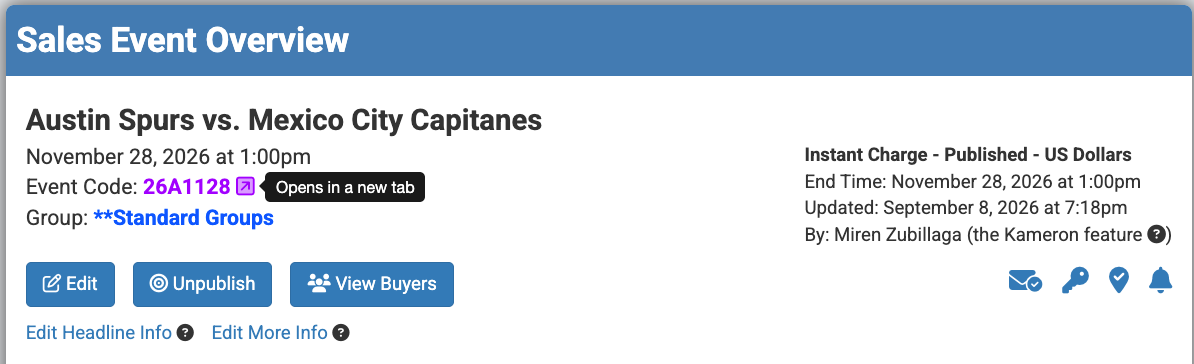
During the "Create Offer" step, Spinzo provides a link to view the inventory available for a specific Sales Event. When adding the seating zones and ticket classes, it is recommended to utilize this link to better understand the price codes, ticket types, and hold classes that Spinzo has access to for that event.
Add Support Information
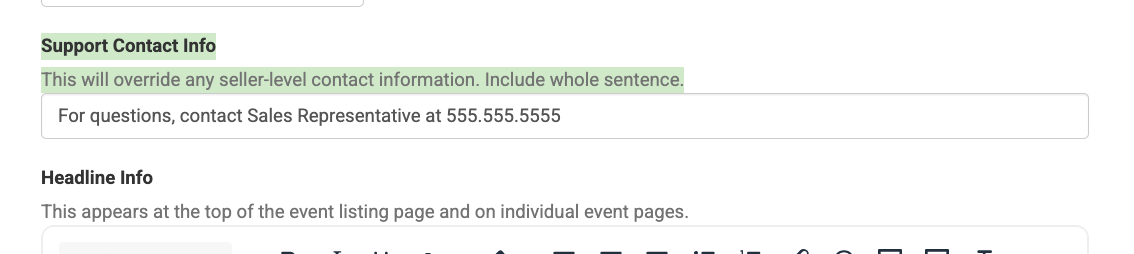
Spinzo is always happy to help with customer support, but in some cases, it may make more sense for the team or sales representative to be the main point of contact for a promotion. Often, the team or representative has more information about the game day experience or specific event details than a Spinzo representative might. For this reason, Spinzo recommends adding appropriate support information to promotions so customers know who to contact with questions.
Bookmark Reports
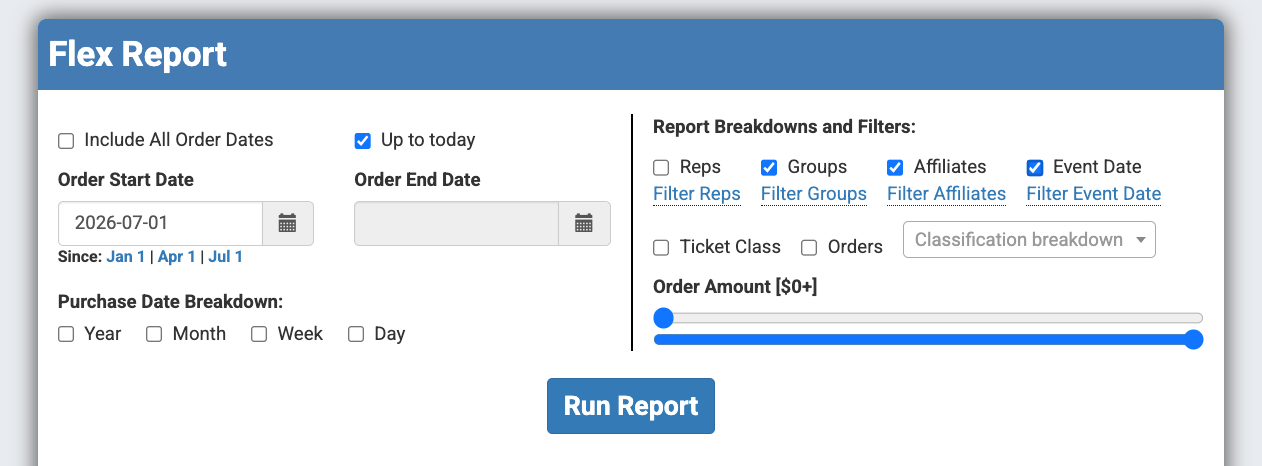
If there are reports you consistently run, consider bookmarking or favoriting the URL on your computer for easy access anytime. These might include Flex Reports, Buyer Reports, Group Audience Reports, and more.
Bookmarking these reports allows you to quickly access the most up-to-date data without having to navigate through the platform each time.
Third Party Payments & Withheld Payees
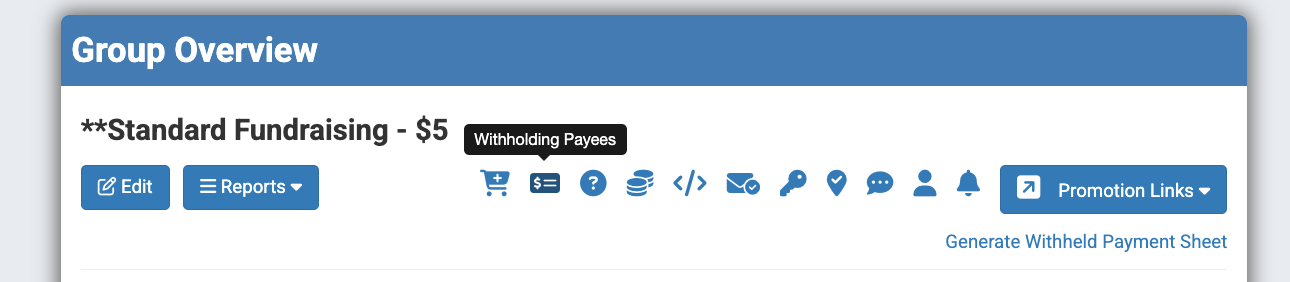
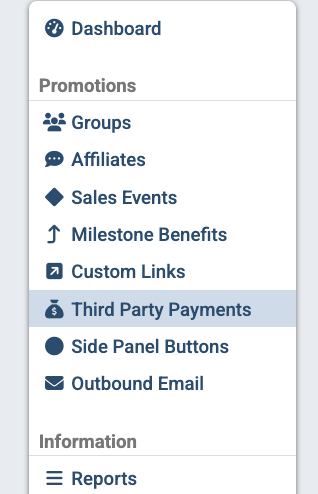
Make sure to keep an eye on your fundraisers and batch out your Third Party Payments at the appropriate time, typically after the game date has passed. To help simplify the process, Spinzo recommends adding in the Withholding Payees at the Affiliate level or at the Group level. This can save time when managing payments for your fundraising promotions and when batching out the payments later on. To learn how to batch Third Party Payouts, checkout this video: How To Batch Third Party Payments.

Taking advantage of these small tips and best practices can help keep your Spinzo account organized, simplify your workflow, and save time throughout the season. Whether you are building new promotions, managing reports, or preparing for the next season, these simple adjustments can help you get the most out of the platform.