
Standard Branding & Visual Assets

Spinzo offers several standard elements that teams can set up in the backend to create a consistent look across their promotions. These elements can be customized for individual promotions, but establishing default branding helps streamline the setup process.
Below is an overview of the key branding elements, their recommended dimensions, and where they can be added or updated within Spinzo.
Group Link
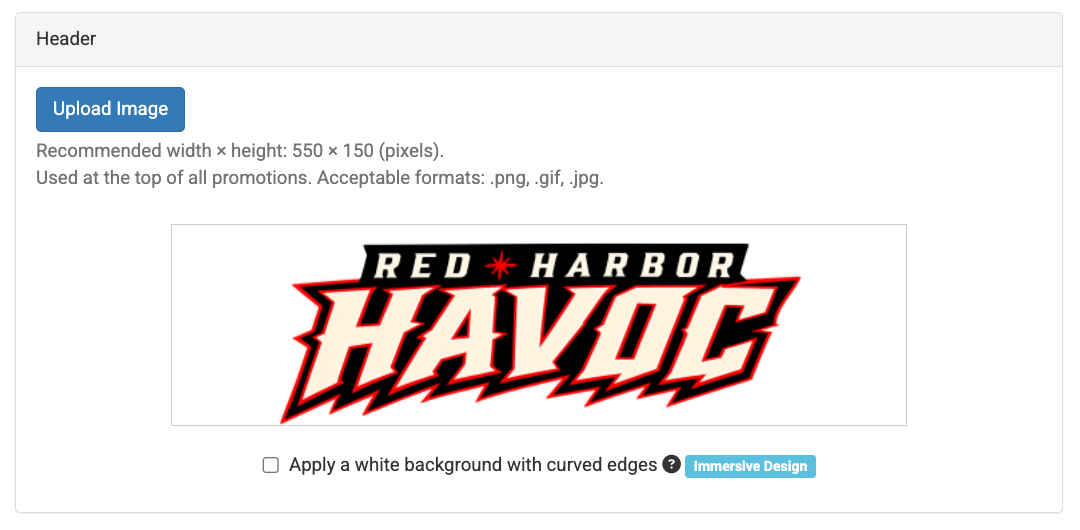
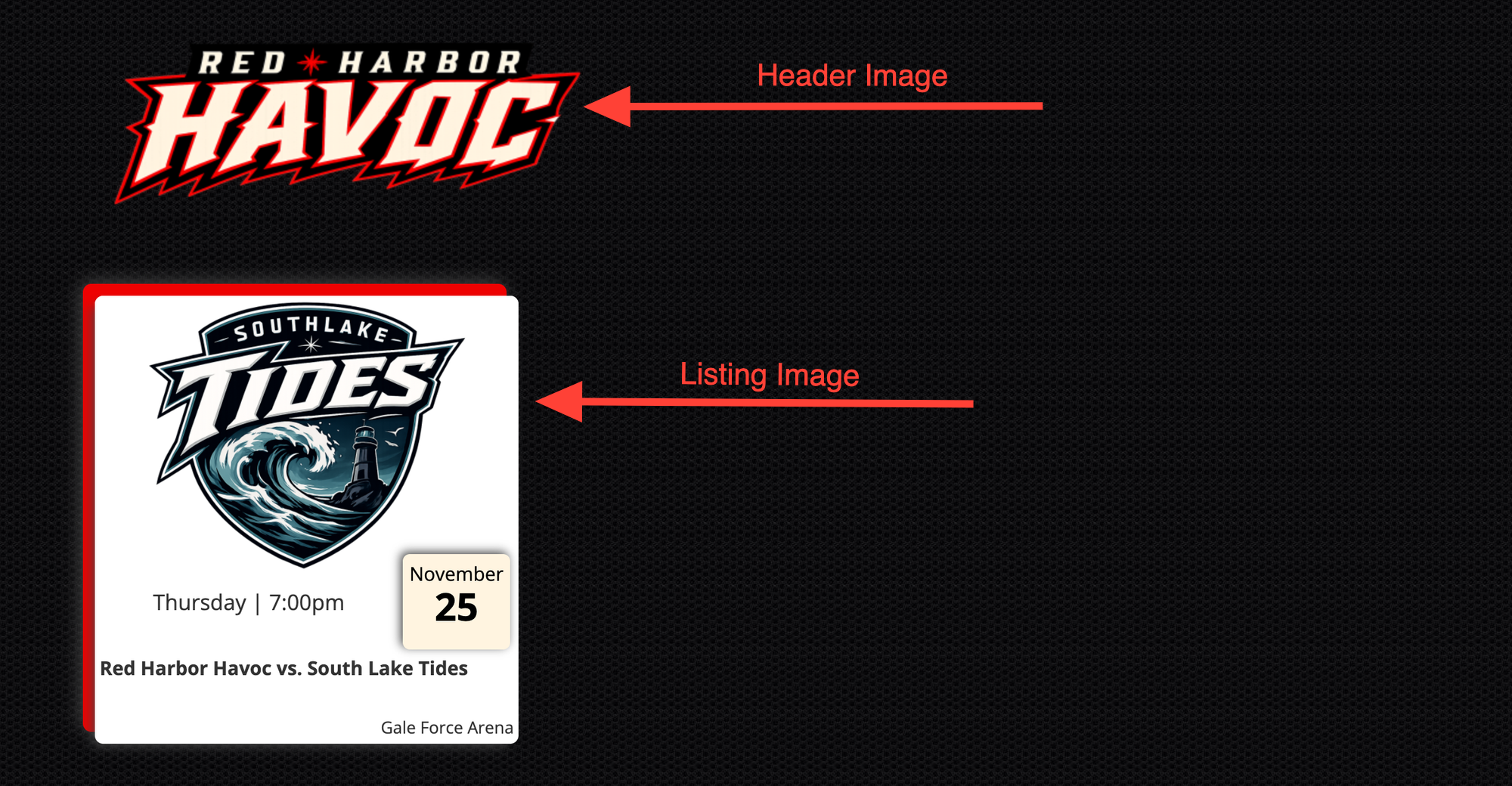
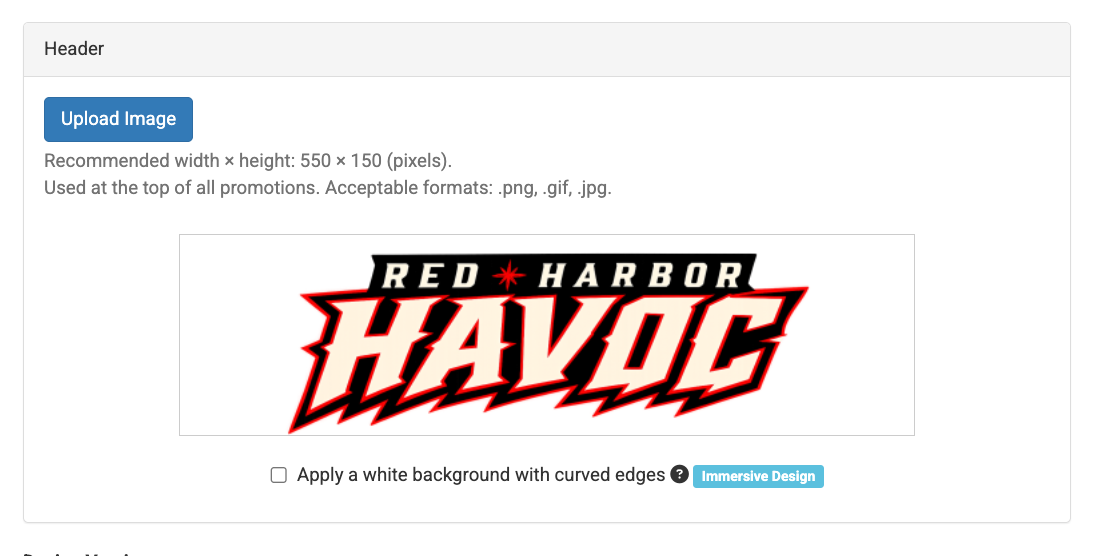
Header Image (550 x 150 px): The "Header Image" typically appears in the top-left corner of a promotion on desktop. It is recommended to use the team's standard logo, although this image can be overridden at the group, sales event, or affiliate level.
The default "Header Image" is initially added under "Settings," with options to update it at different promotion levels. If the image does not have a transparent background, a white background with curved edges can be applied.
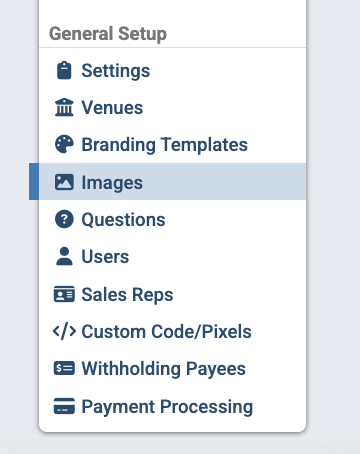
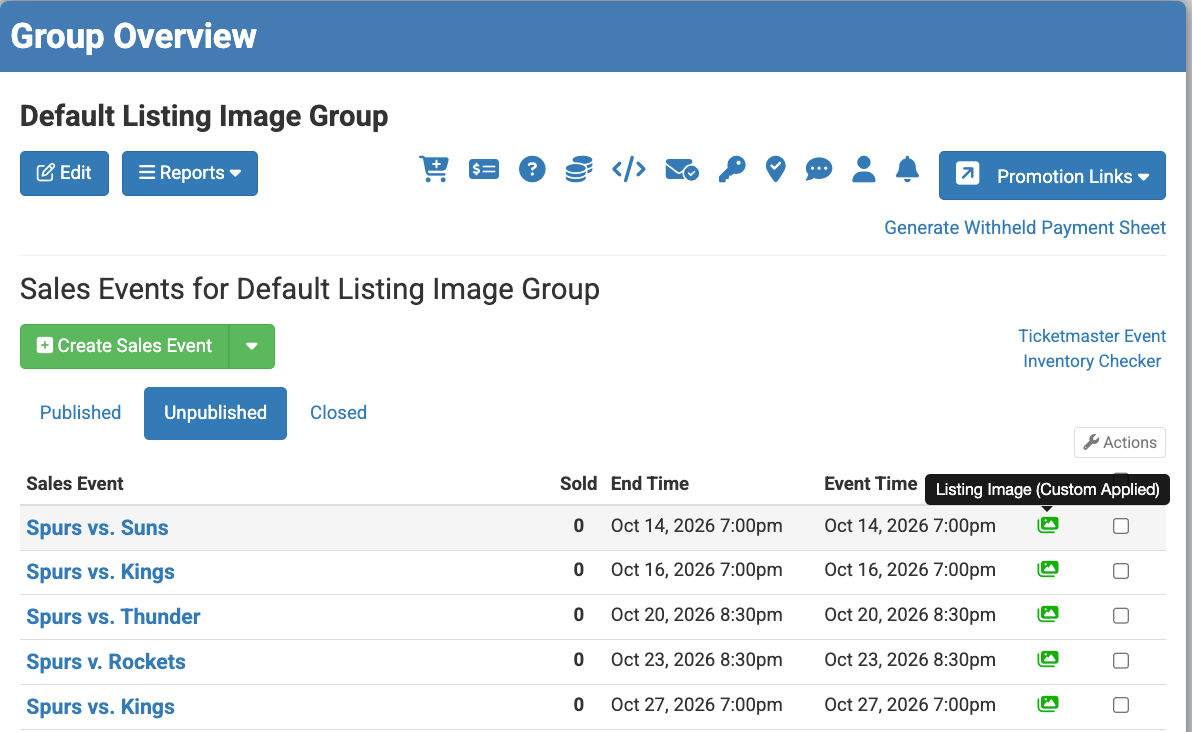
Listing Images (600 x 400 px): The "Listing Images" show on the Group Link and can be uploaded through the "Images tab in Spinzo before being selected for individual sales events.
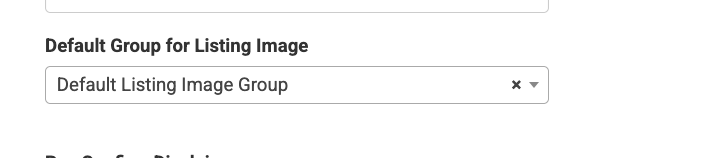
It is recommended to create a default group for listing images so they can be added once and automatically included in future promotions tied to the sales events.
For more information on how to set this up, watch this Pulse Video on Default Listing Images: Default Group For Listing Images.
Below is an example of how the Header Image and Listing Image shows on a group link.
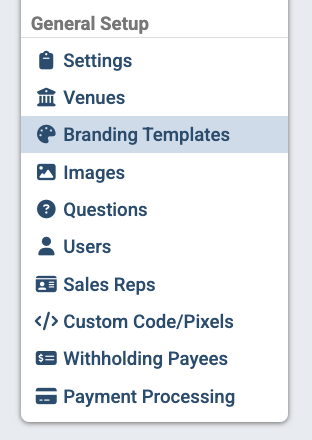
Background Image (4000px wide): A "Background Image" can be added through the "Branding Templates" tab "Branding Options." Teams can create multiple Branding Templates to use across different promotions or customize the Background Image at the group, sales event or affiliate level.
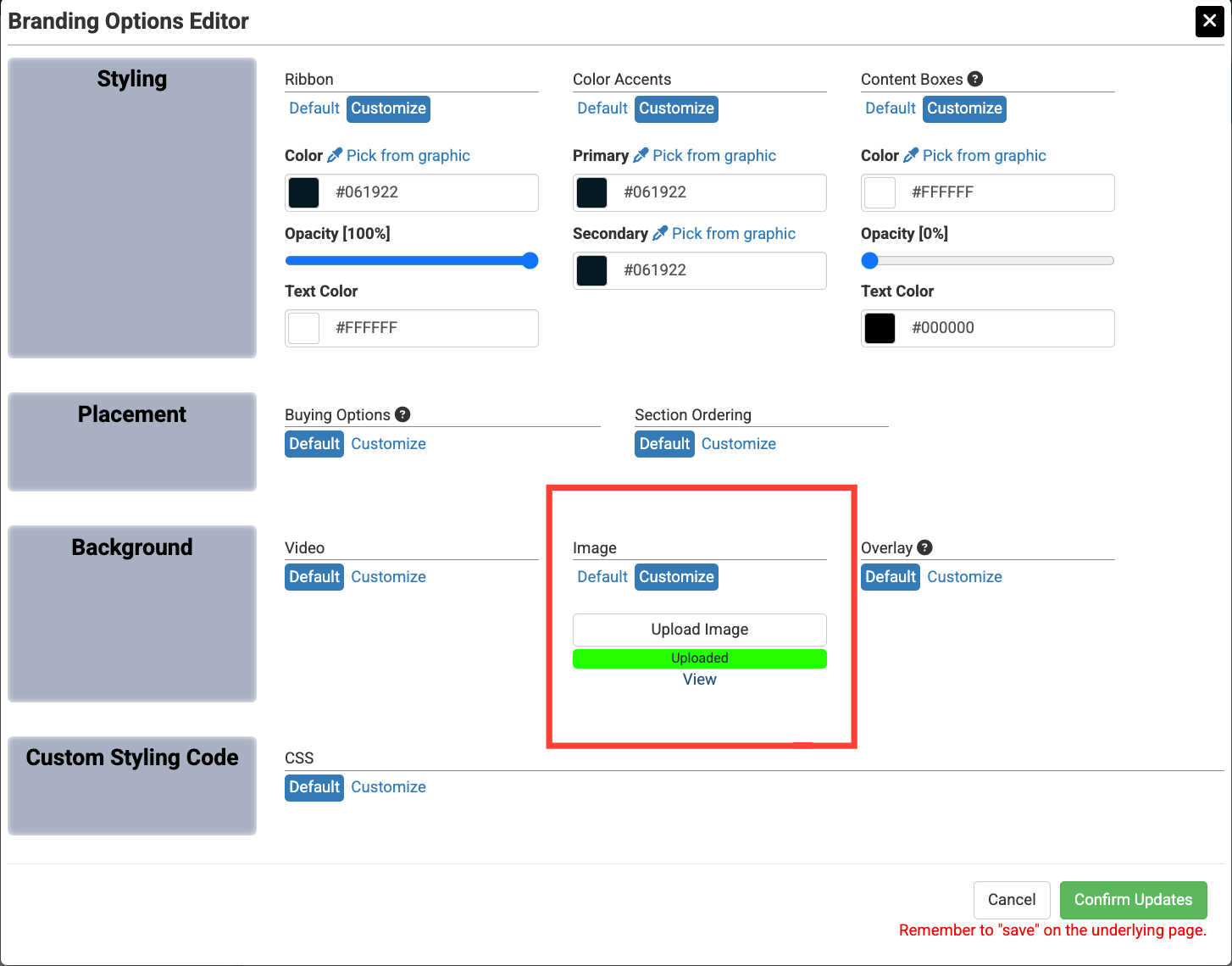
Background Video: (mp4 and 15 seconds long): A "Background Video" can also be added through the "Branding Templates" tab or customized at the group, sales event, or affiliate level.
It is recommended that the Background Videos be at least 15 seconds long. A Background Video is used in place of a Background Image.
Sales Event Link
Header Image (550 x 150 px): As with the "Group Link," the "Header Image" typically appears in the top-left corner of a desktop promotion. The team's default logo can be used or overridden at the group, sales event, or affiliate level.
*Note: The "Header Image" can be the standard team logo for the group link and then a totally different logo for an affiliate page or sales event link. If a new logo does not get added at the group level or at the sales event level, then the logo from "Settings" will appear.
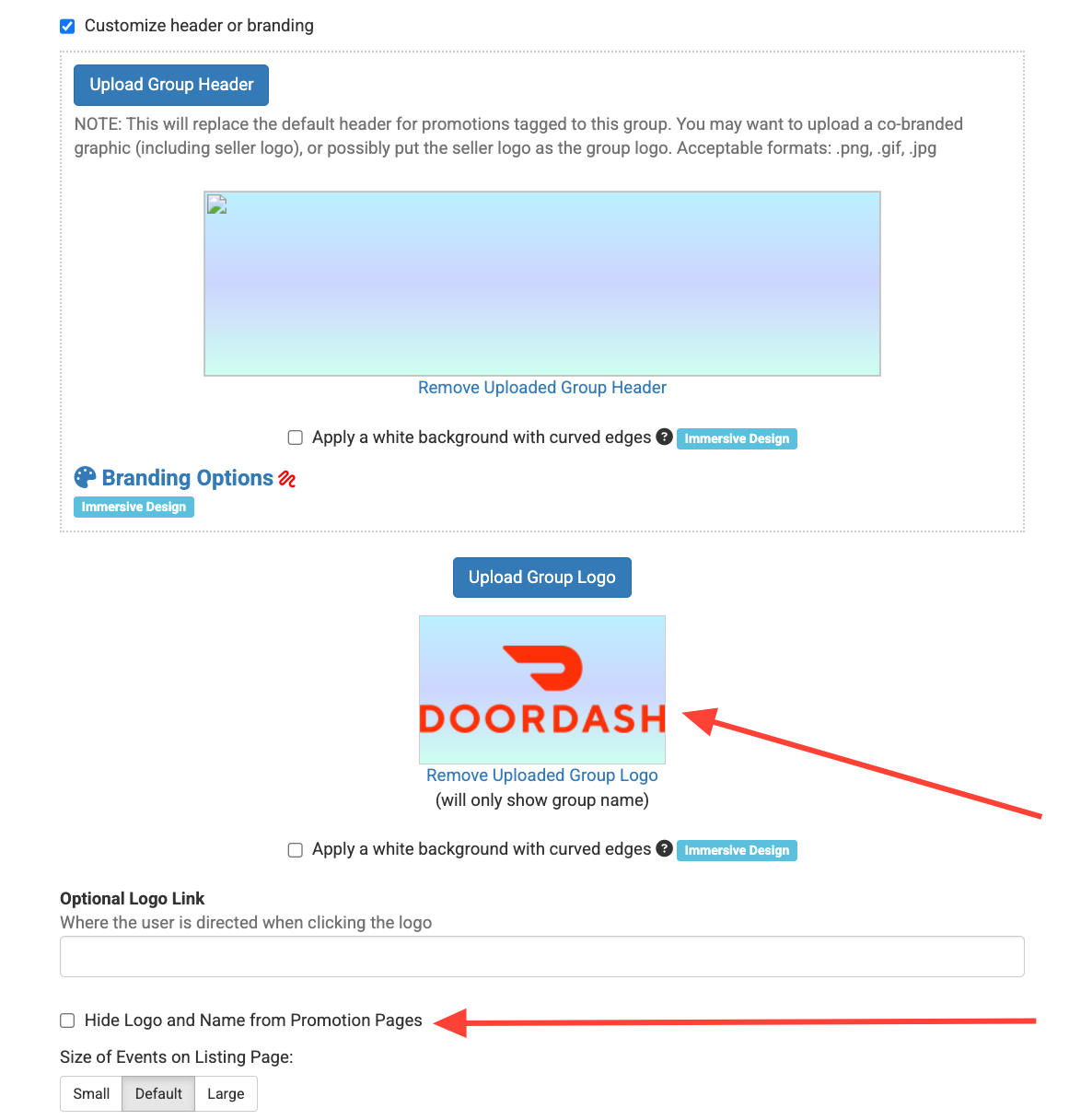
Group Logo (Optional): The "Group Logo" can be added at the group or affiliate level. This smaller logo typically appears in the top-right corner of a desktop promotion and is often specific to the promotion, although a team logo can also be used in this spot.
If no "Group Logo" is added, the promotion name will appear in it's place. This name can also be hidden if preferred.
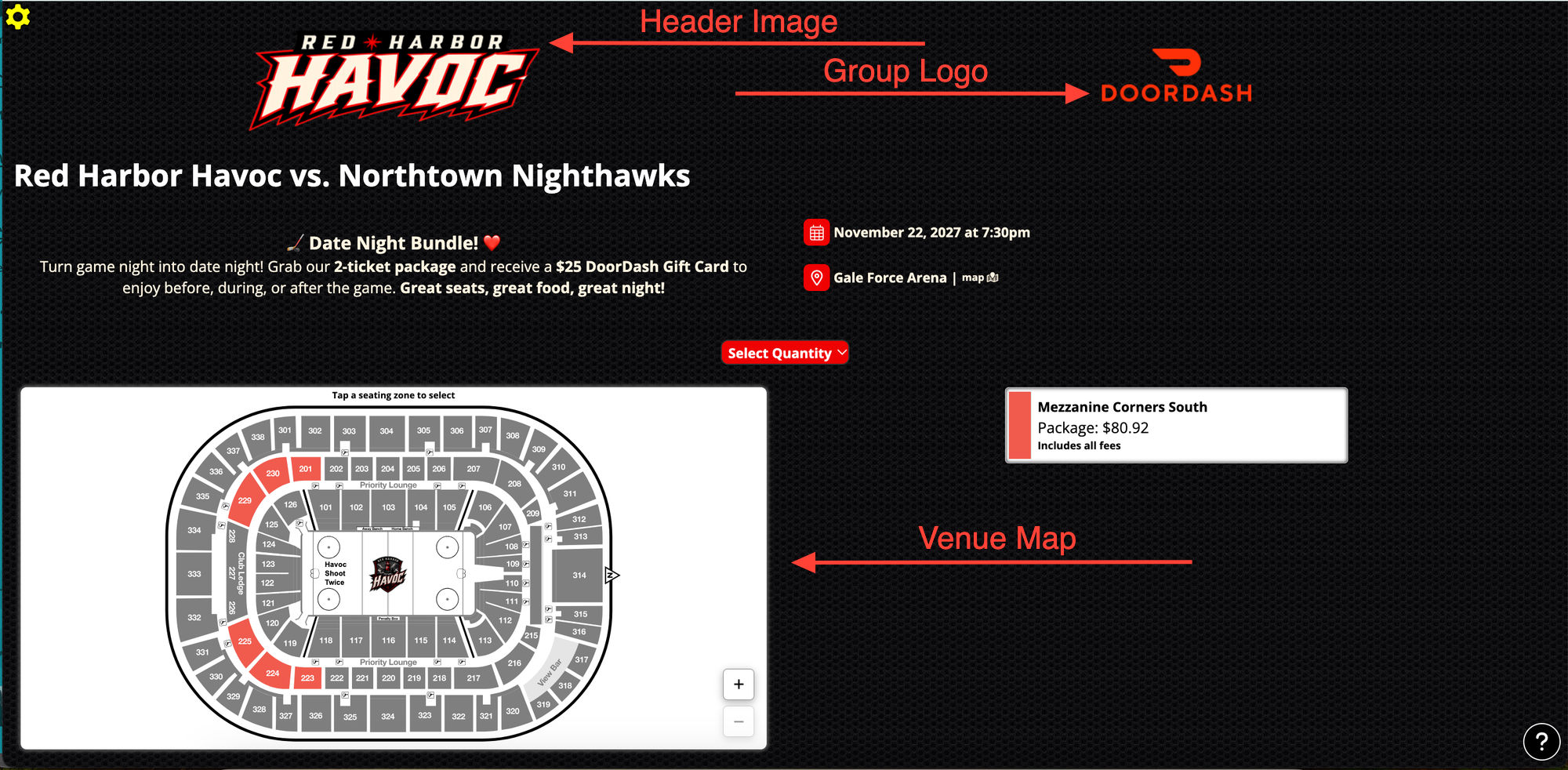
Here is an example of where the "Header Image" and "Group Logo" are located along with an example of where the the venue map could be placed.
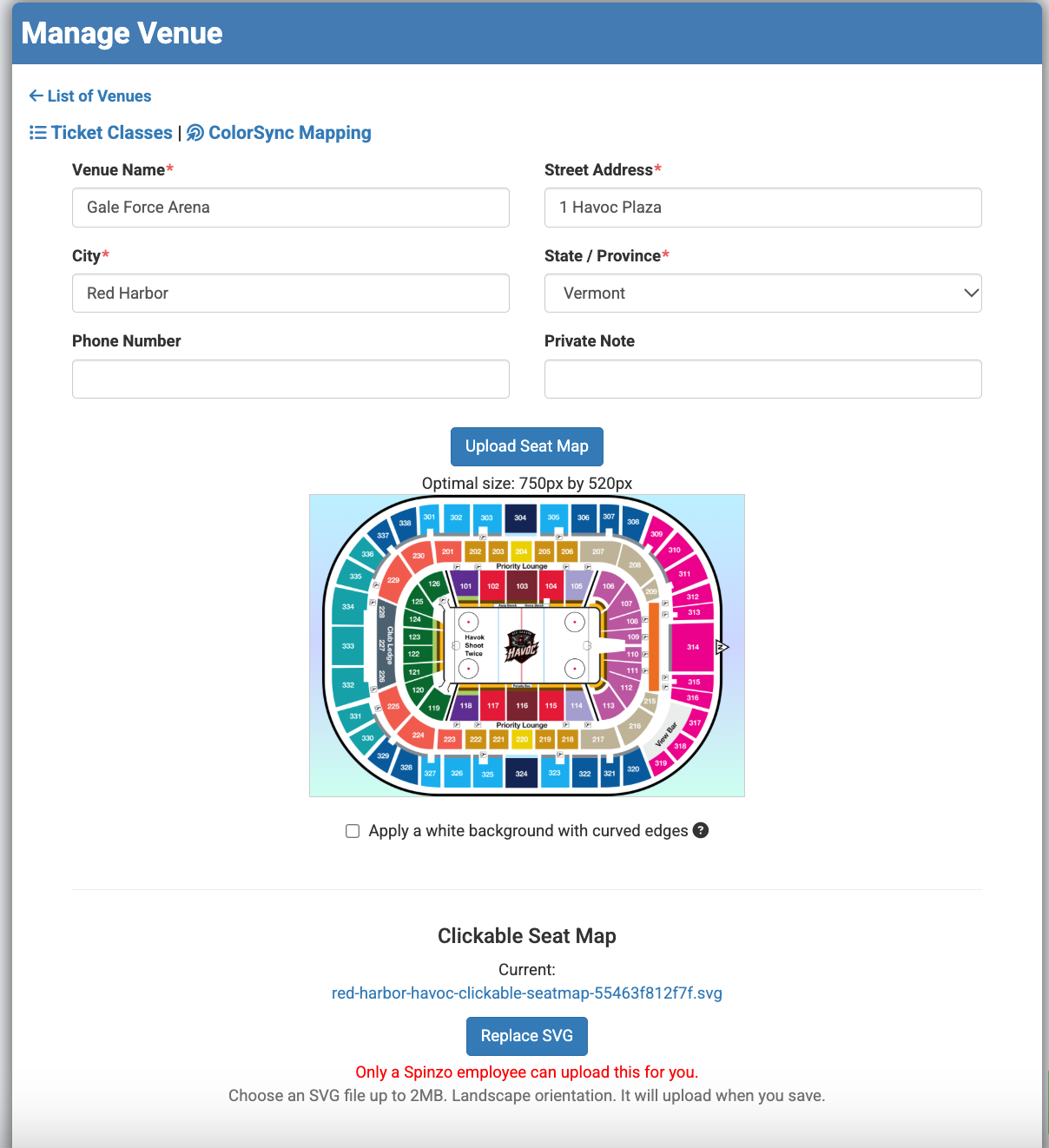
Venue Map (High Resolution Or SVG File): The venue map or seating chart should be added to the "Venues" tab in Spinzo. The map should be color-coded, with the ticket class names being added into Spinzo to match the color. The venue map gets selected when building a sales event. Multiple venue maps can be added at the "Venue" level.
For the ColorSync Interactive Seat Map, teams should provide Spinzo with an SVG file. The Spinzo team can assist with uploading the file and mapping the zones accordingly.
Establishing these standard visual assets helps create a consistent look across promotions while reducing the need to recreate or upload the same assets each time. By setting up default images, branding templates, and venue maps in advance, teams can simplify the building process while maintaining the flexibility to customize individual pages when needed.