
Simple & Sleek Branding
Through Spinzo's Immersive Design, organizations can create pages that reflect their unique brand. Whether it's an elaborate design featuring videos, bold backgrounds, and custom colors or a clean, minimalist layout, Spinzo provides a blank canvas for organizations to customize their pages however they see fit. Below are several tips and examples for creating a simple and sleek page design.
Removing Content Boxes
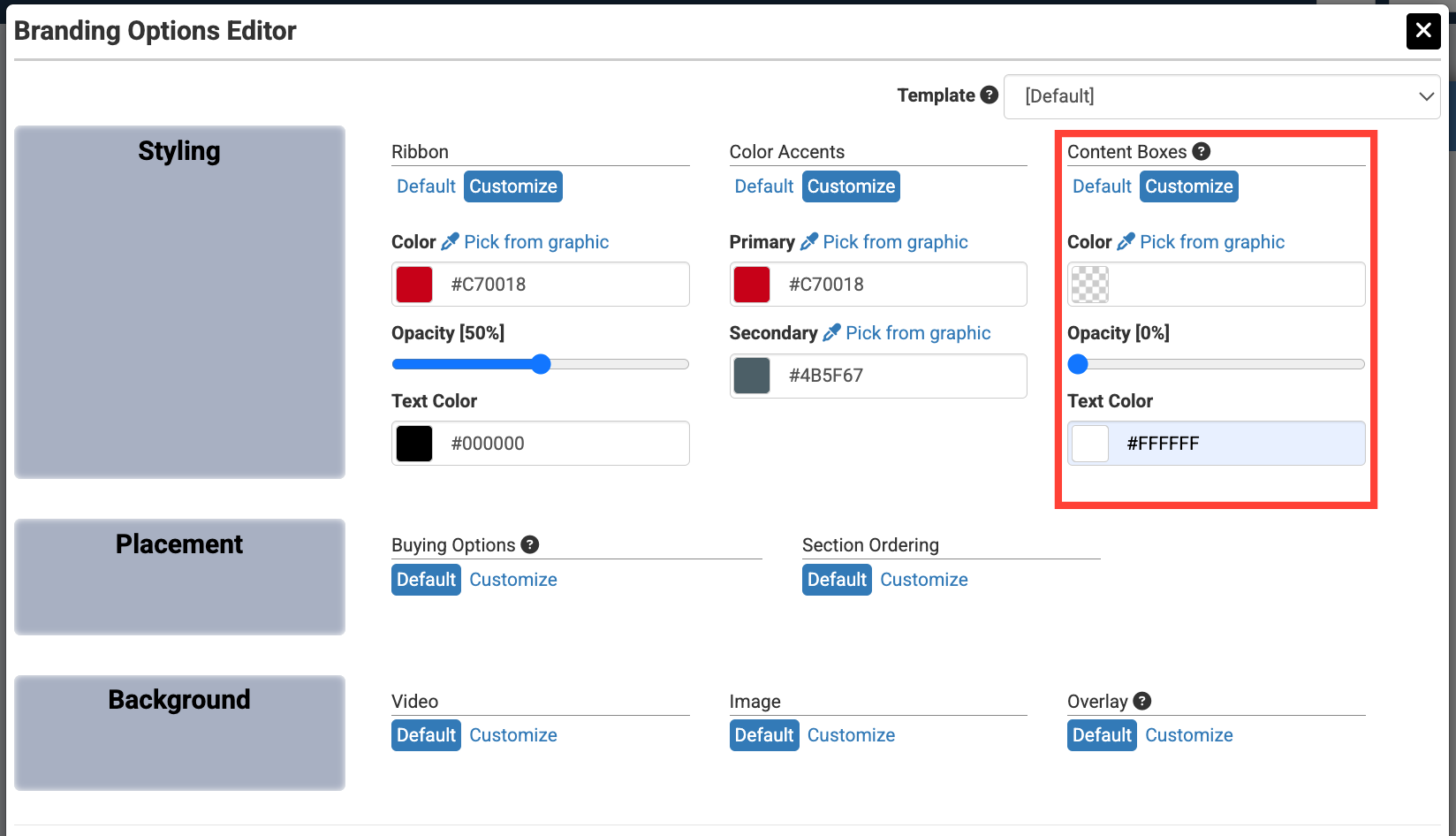
Removing the "Content Boxes," when it makes sense, can help make the page look clean. As long as the background is simple and the content is a contrasting color, removing the "Content Boxes" is a great way to make the page look sleek. By default, the "Content Boxes" are set to be 50% opacity.
To remove the "Content Boxes," go to "Branding Options" and put the "Content Boxes" opacity down to 0%. Be sure to make the text color a contrasting color to the background so the information is legible.
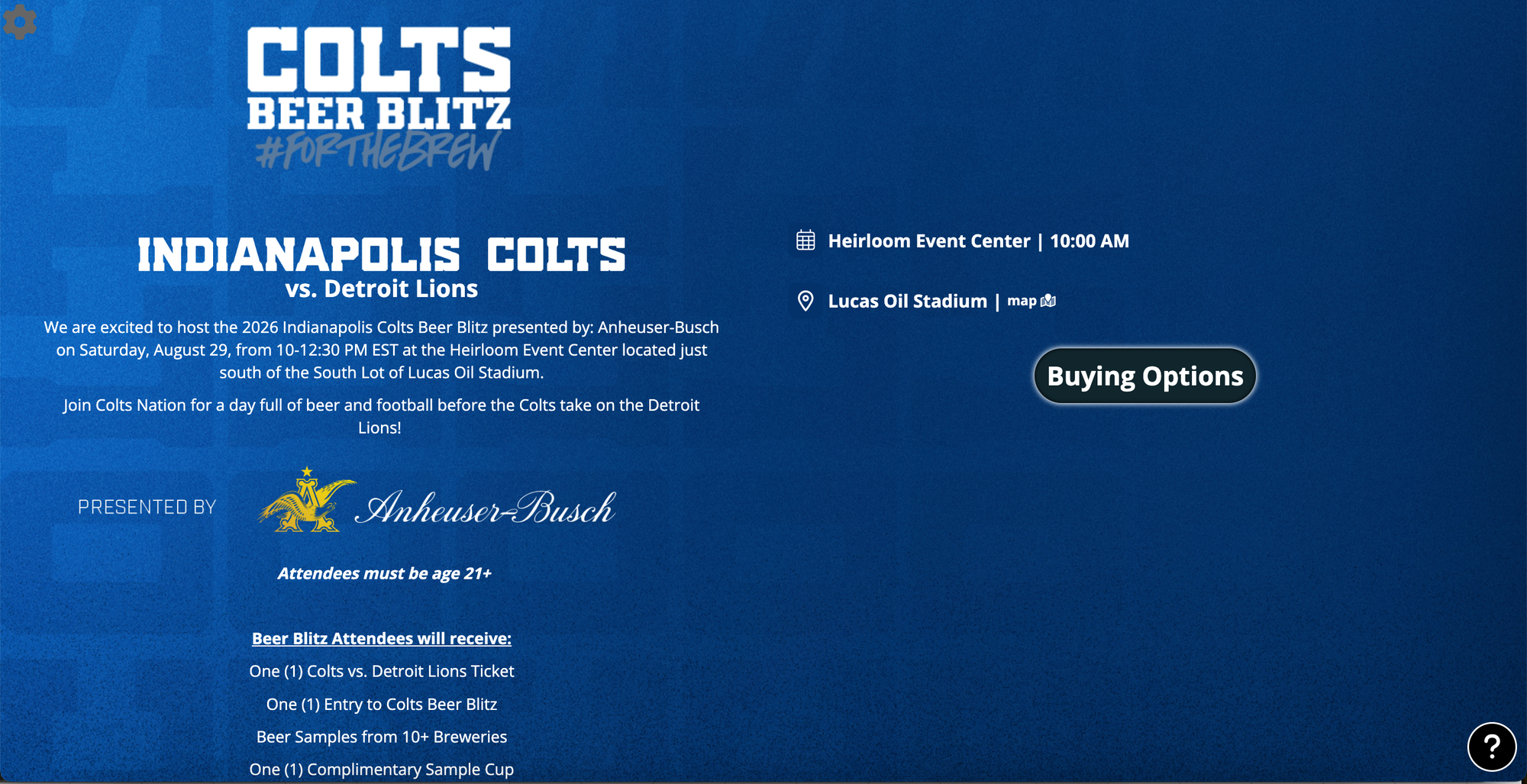
The Indianapolis Colts brand their pages with "Content Boxes" removed. They often utilize a darker background with white font so that the information is easy to read as seen in the example below.
Solid Content Boxes
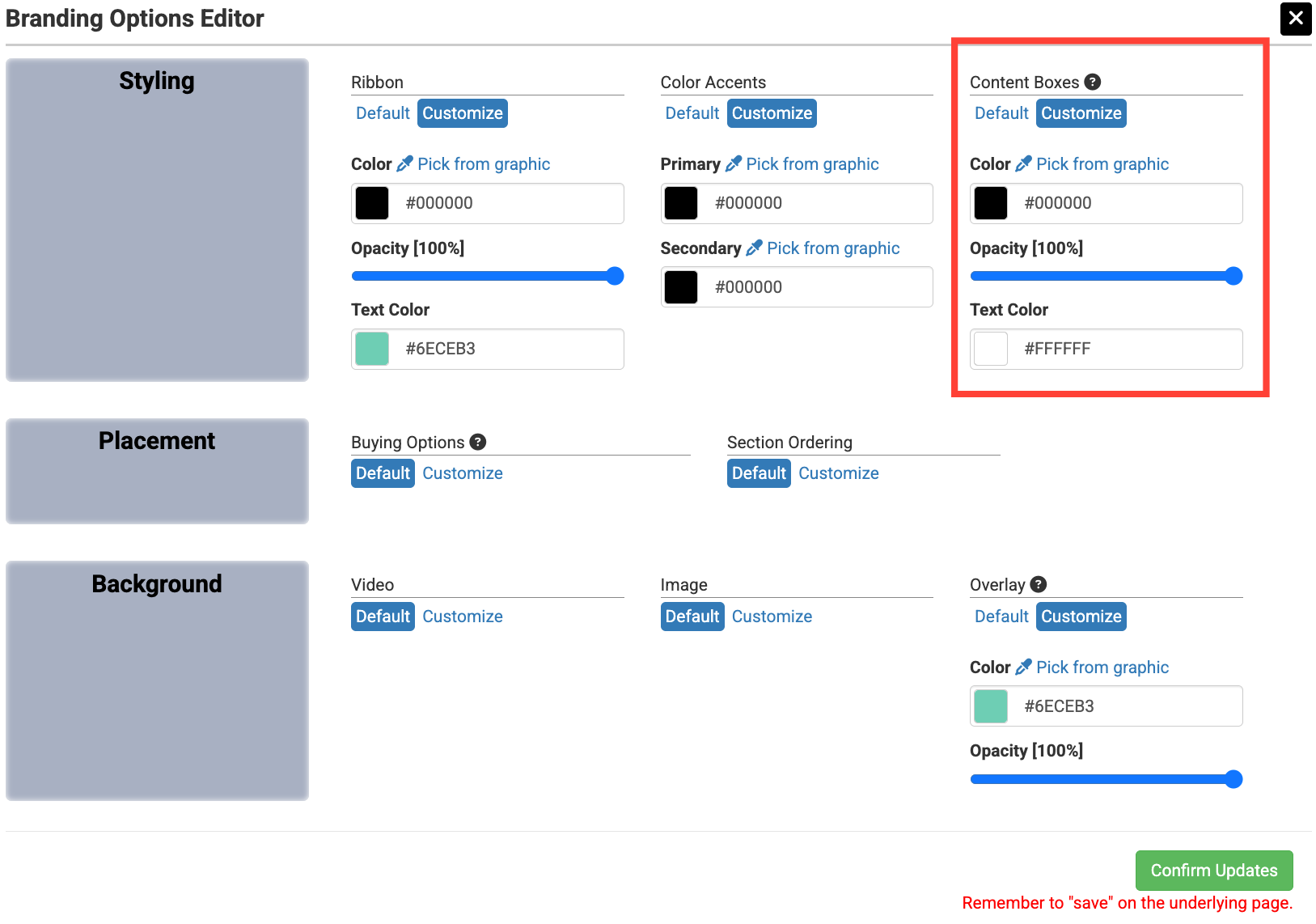
Rather than removing the boxes completely, you may prefer to make them a solid color. As mentioned previously, the content box default opacity is set at 50%.
To make the boxes one solid color, go to "Branding Options" and put the "Content Boxes" opacity up to 100%. Be sure to make the text color a contrasting color to the box background.
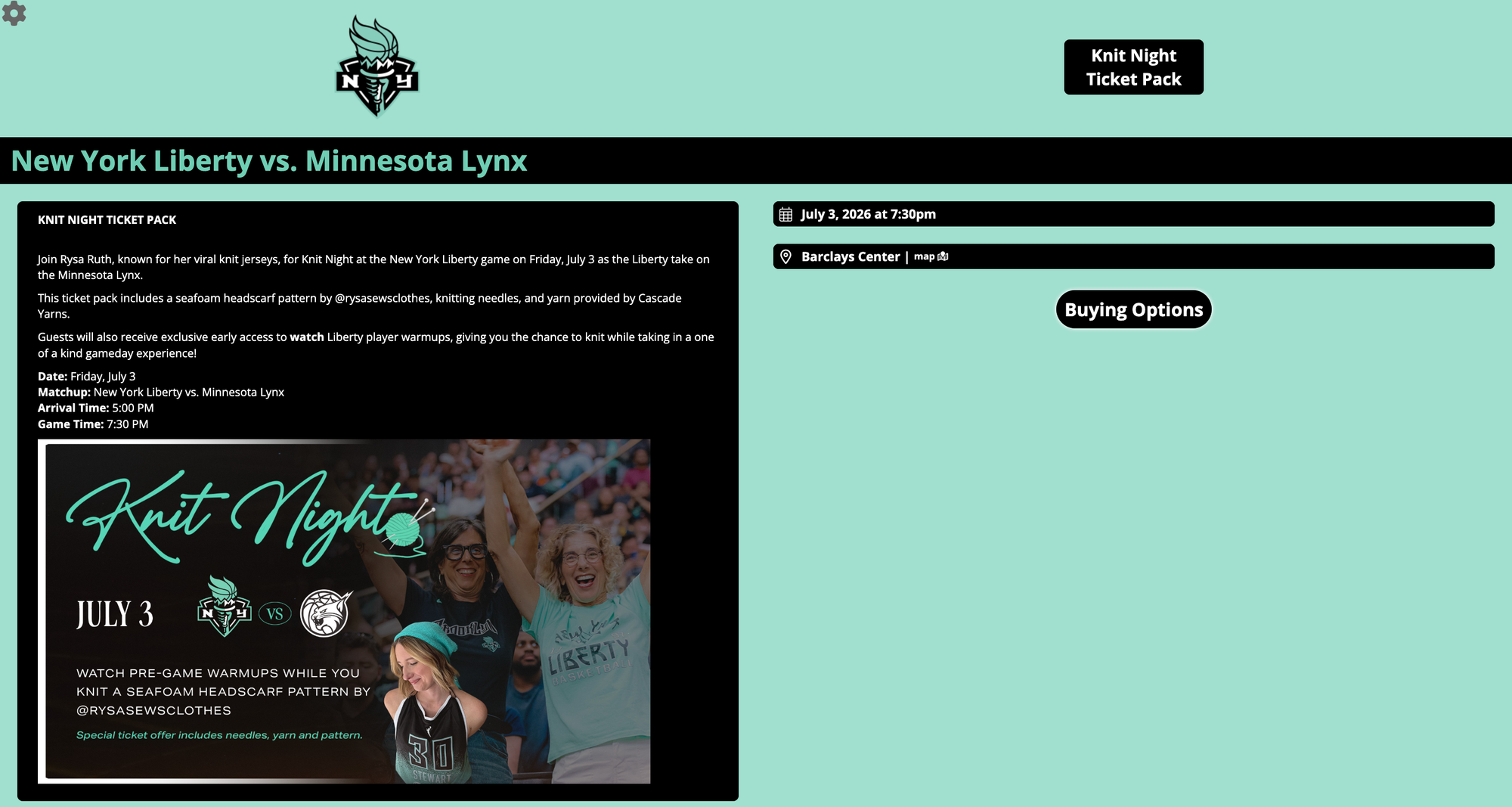
The New York Liberty utilize a solid content box in the examples below which keeps the page clean and the information legible. It also allows them to include a more elaborate background.
Simple or Solid Background
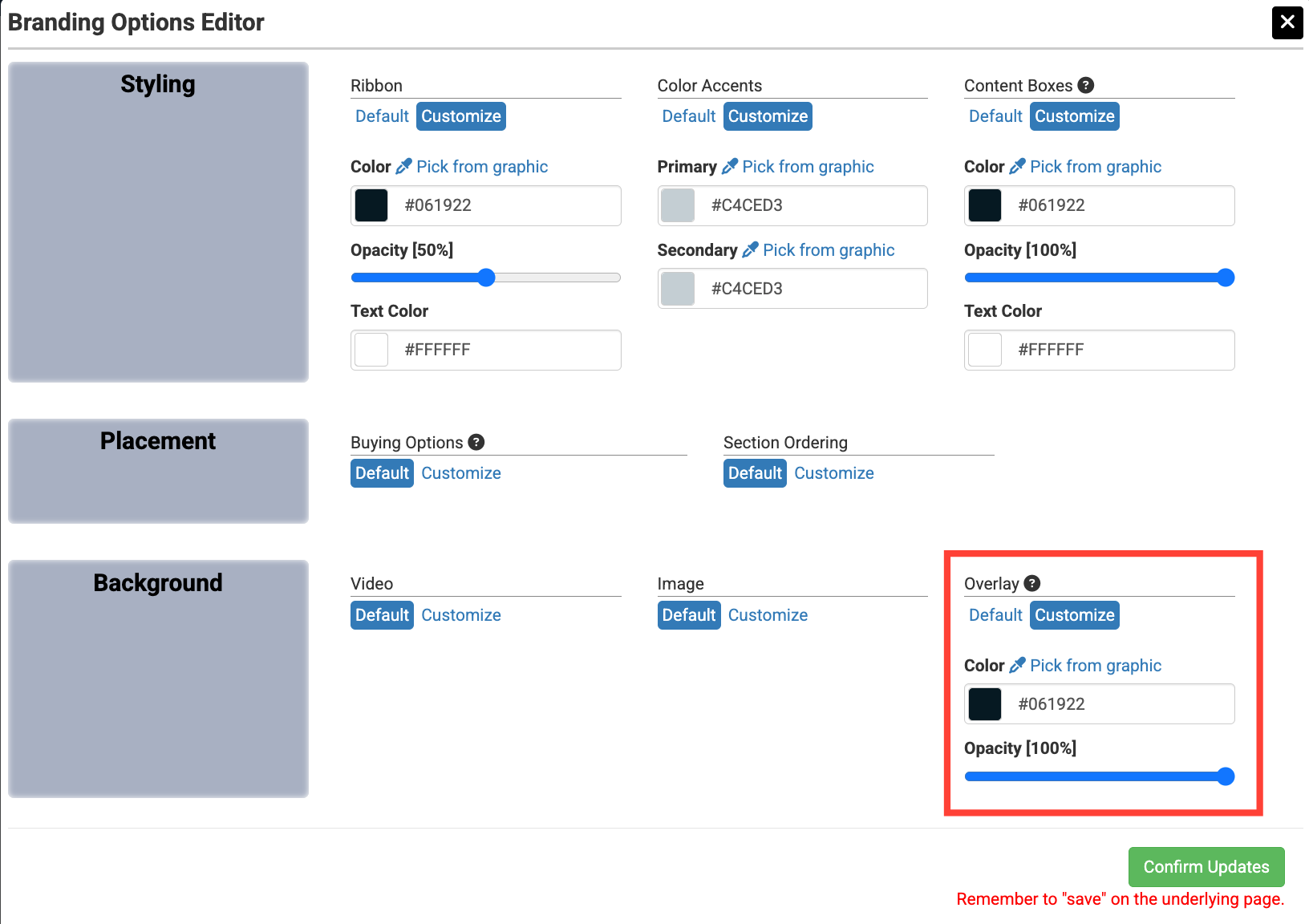
Having a simple or solid background can help the page look clean. Simple gradients or subtle patterns can create a clean look while still reinforcing an oranization's branding. Backgrounds can be added through "Branding Options" in Spinzo. For a solid color background, the opacity under "Overlay" could be adjusted when it makes sense.
To create a solid background color, go to "Branding Options," choose an "Overlay" color, and set the overlay opacity to 100%.
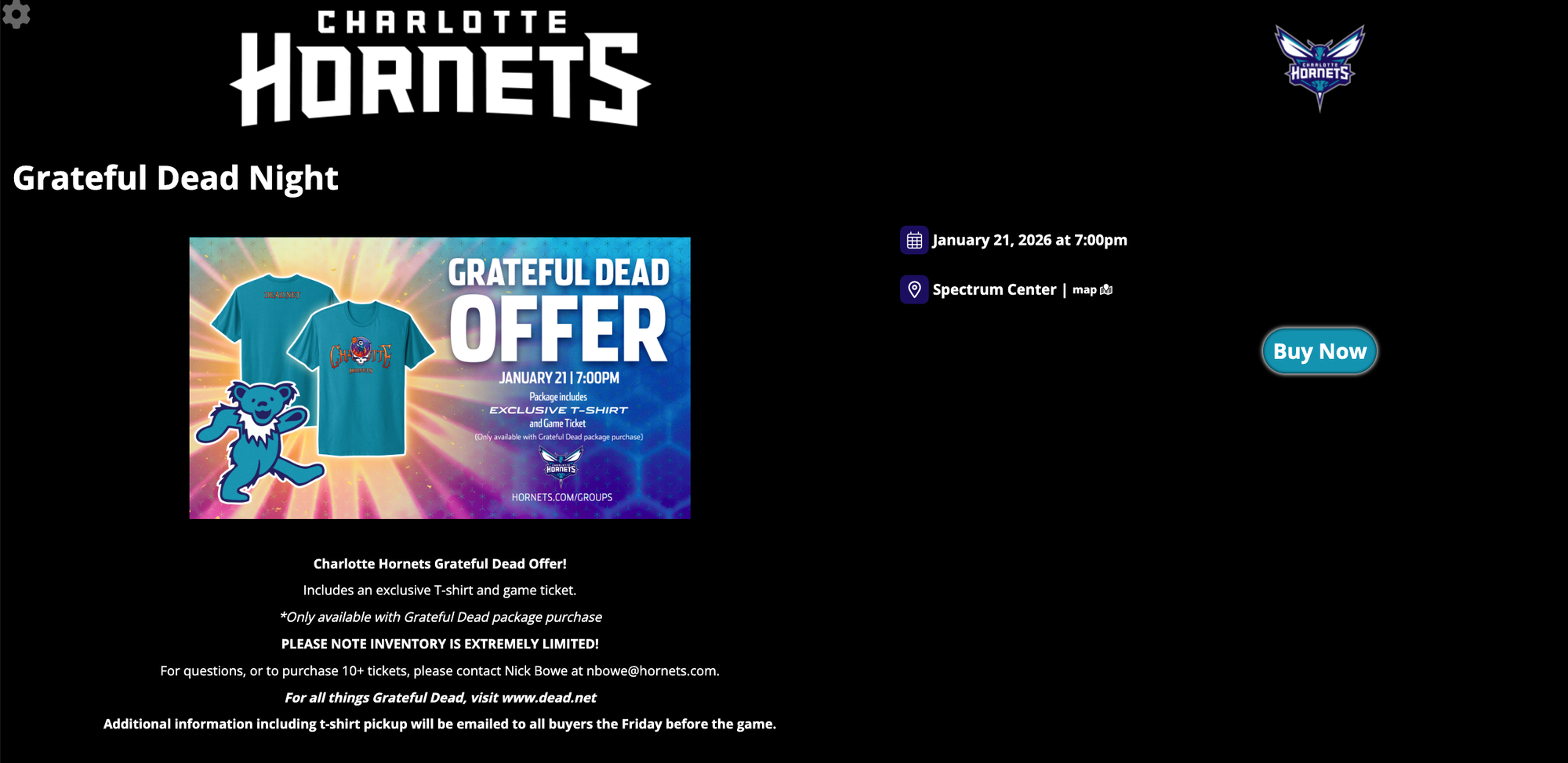
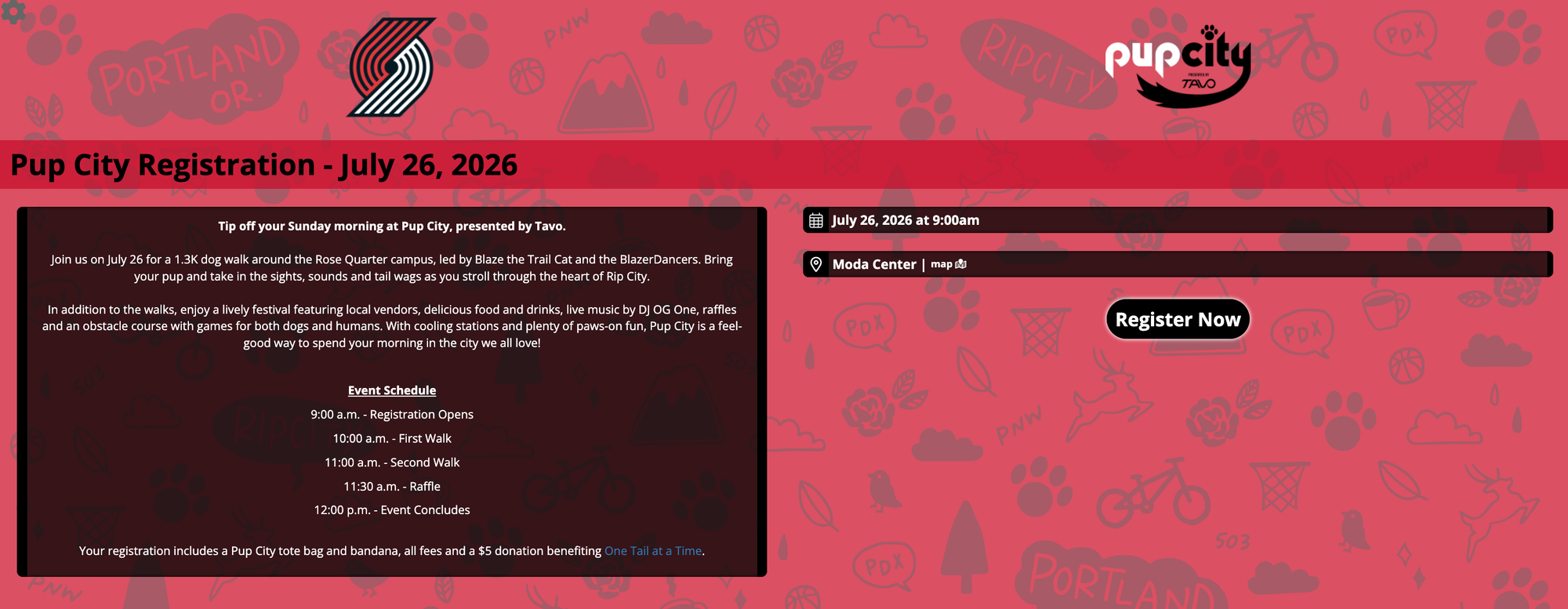
Below are examples of simple or solid backgrounds. The Charlotte Hornets used the "Overlay" opacity and the Portland Trail Blazers added in a simple patterned background highlighting some of their internal branding.
Remove the Ribbon
Removing the "Ribbon" from the page can help clean up the page and highlight more of the background. As long as the information pops out on the page, removing the ribbon can create a cleaner, more branded appearance.
To remove the "Ribbon" from the page, go to "Branding Options" and put the "Ribbon" opacity down to 0%. Be sure to make the text color a contrasting color to the background so the information is legible.
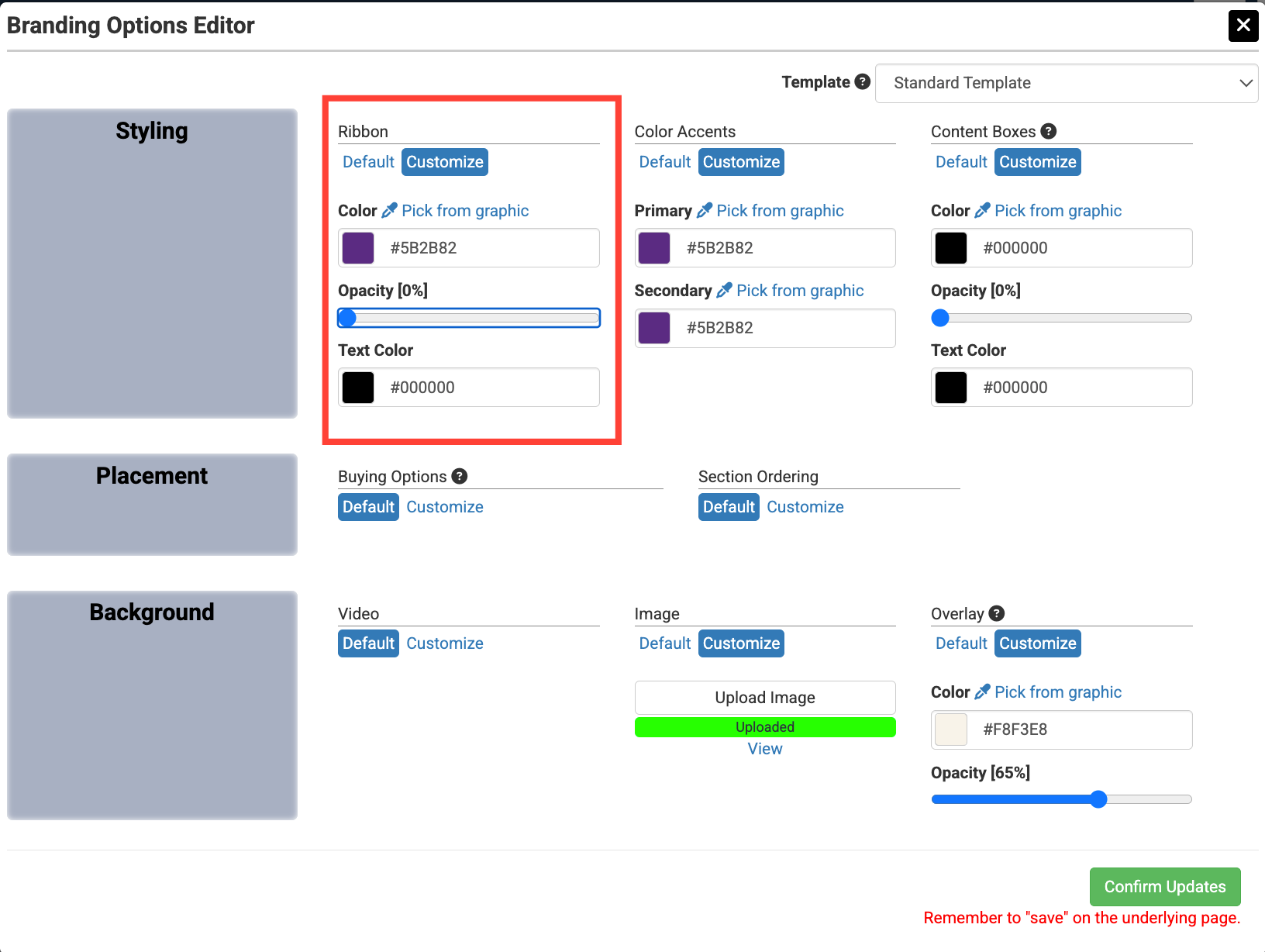
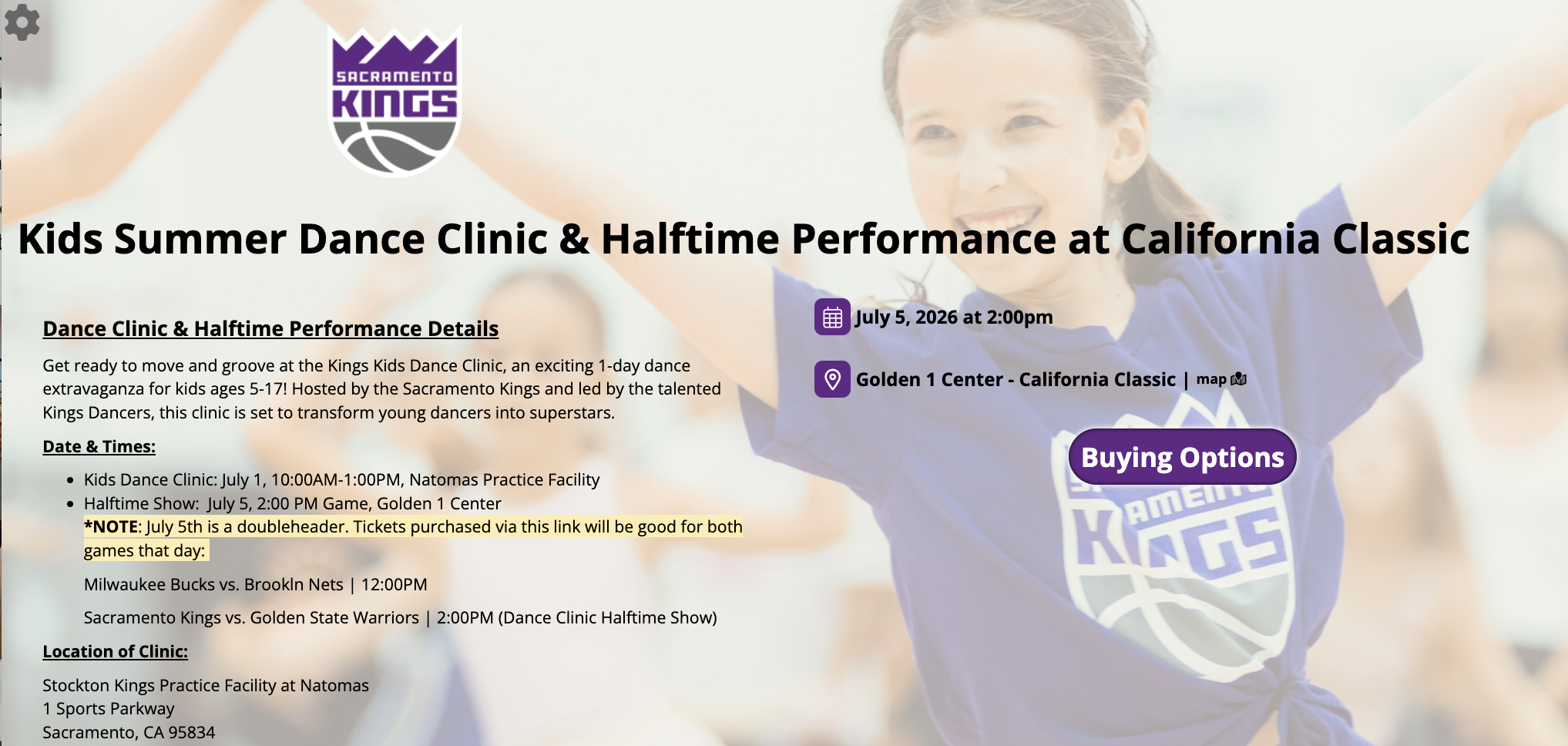
In the Kings example below, the "Ribbon" is removed and the writing is in black so that it properly contrasts with the lighter overlayed background.
Advanced Branding: HTML Functionality
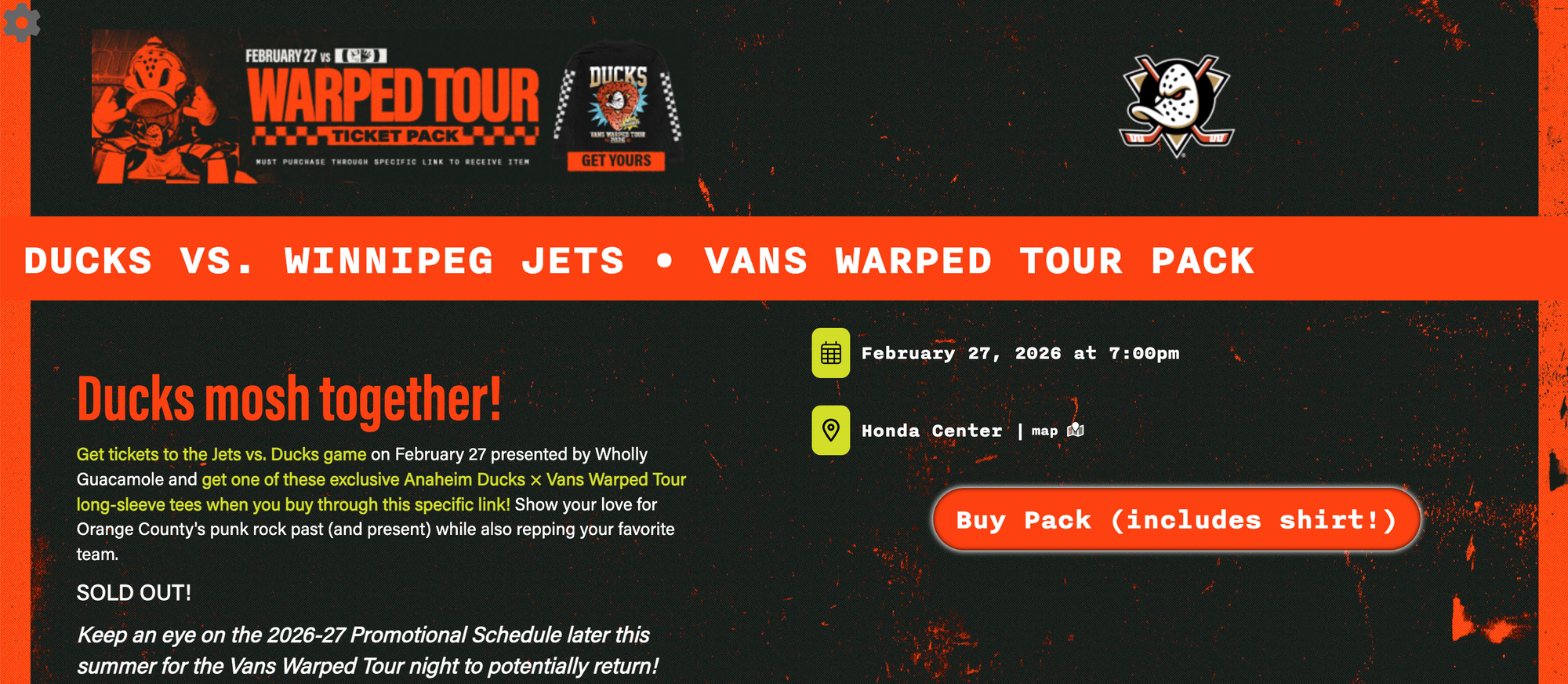
Spinzo has full HTML functionality, meaning the pages can be updated beyond our immersive design to include more of your organization's style and branding. Spinzo can incorporate custom fonts and further tailor page styling, including spacing, sizing, colors, shapes, and more. For more information on advanced branding that includes your team's or organization's fonts or overall style, please contact service@spinzo.com.
In the Ducks example below, a completely different font is used along with adjusted spacing, colors, and style.
For more examples of what's possible with Immersive Design, check out the Best of Immersive Design collection on Spinzo Pulse.