Offer Timing: Set It And Forget It
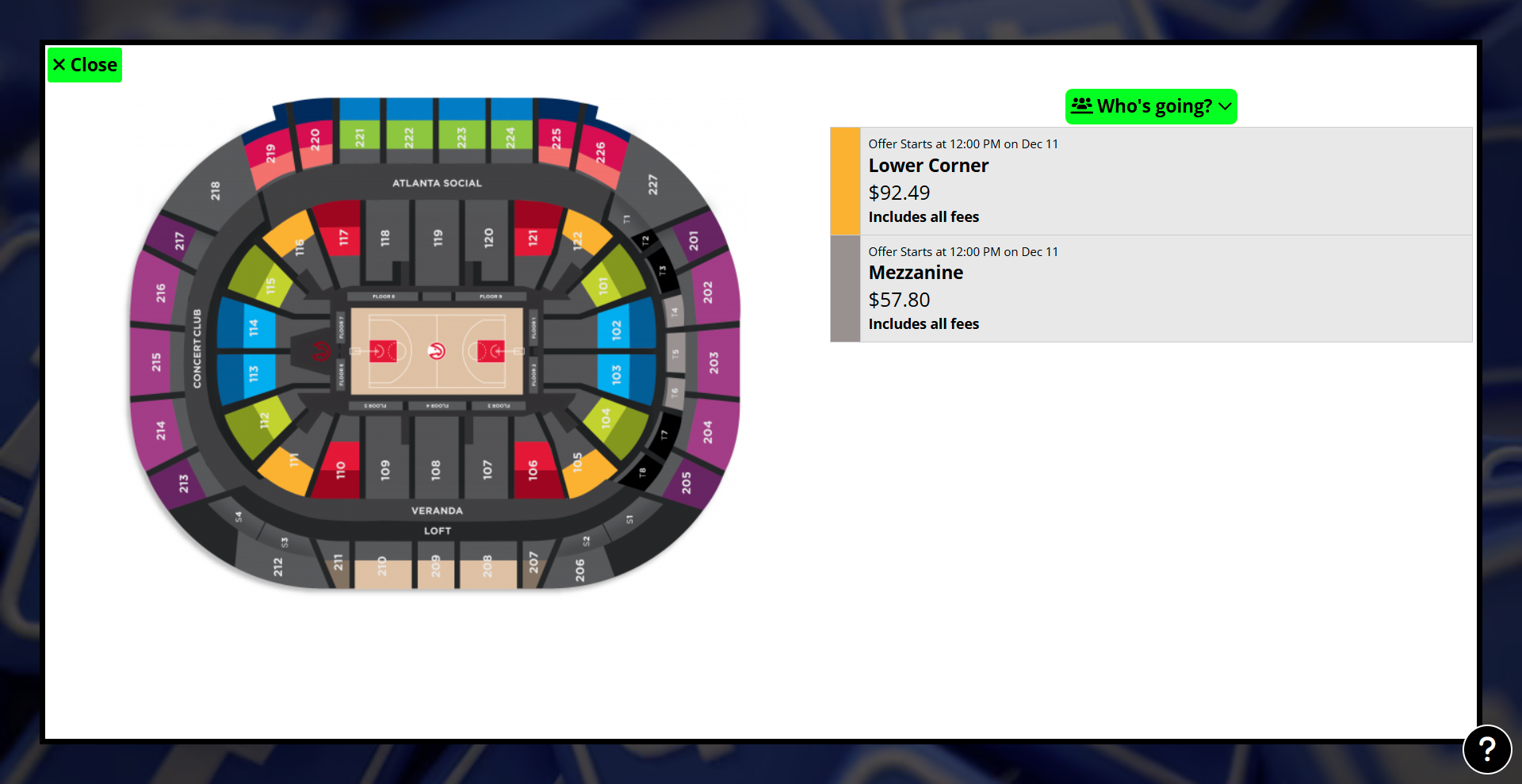
Did you know Spinzo has an offer timing feature that allows for offers to be set to go on and off sale at a desired time?
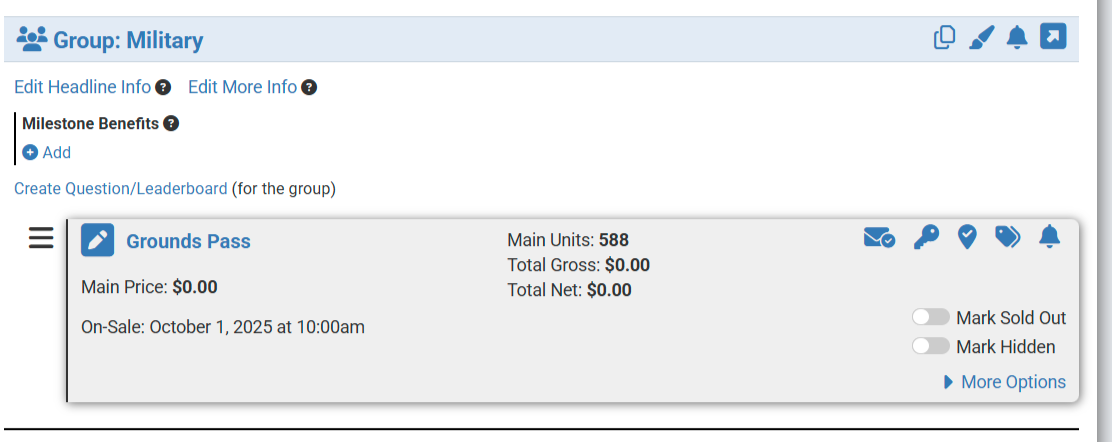
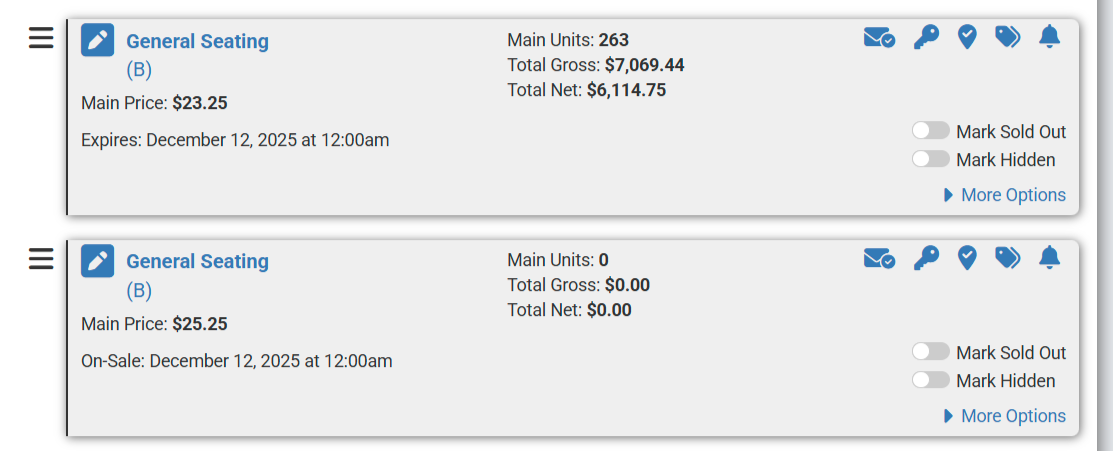
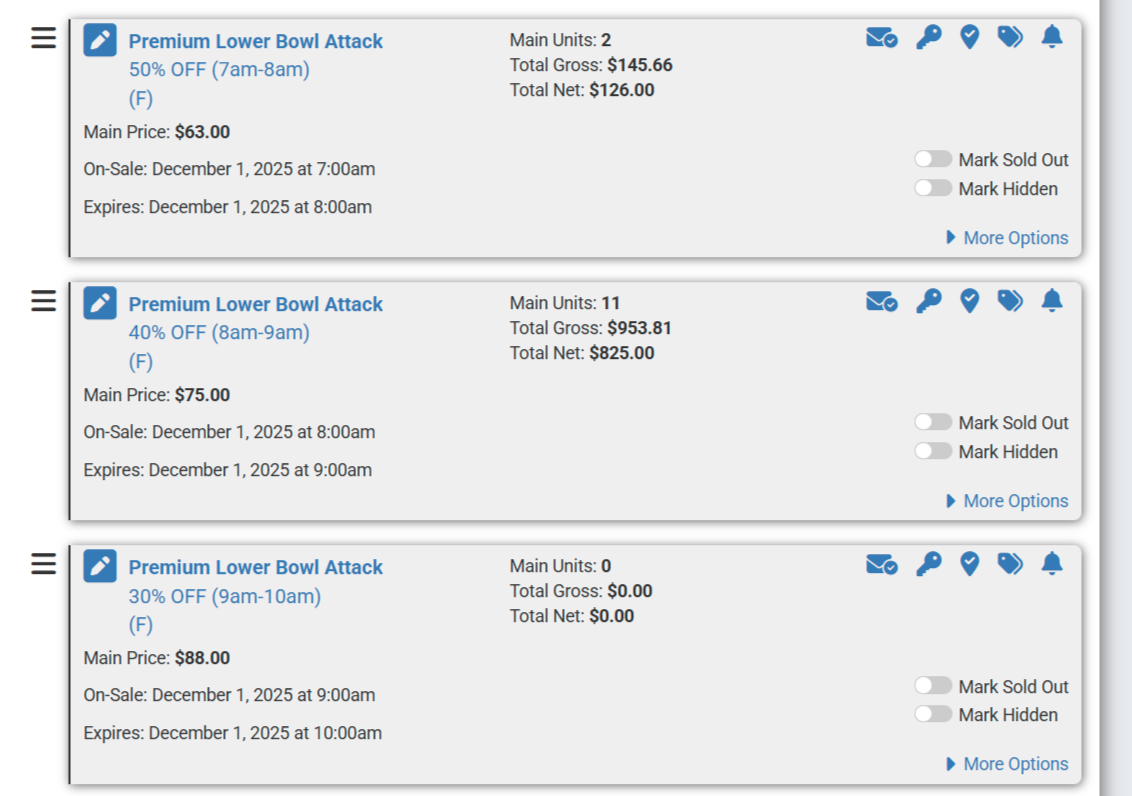
That is right, any offer can be set to go on sale at a set time and expire at a set time. The choice to just set just on sale or expiry time is offered as well.
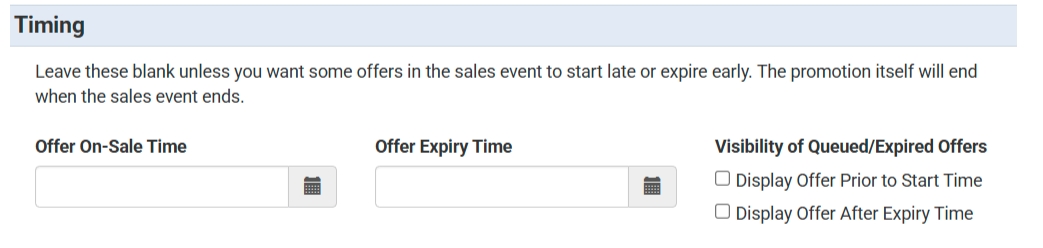
At the offer level in the category, Timing, the boxes for Offer On-Sale and Offer Expiry exist. A choice to display an offer prior to or after expiry exists as well. All timing is in the time zone of the client.
Keep in mind the end time of the sales event will default as the end time for all offers of that sales event.
Offer timing works great for:
- Set on-sale times
- Flash sales
- Rush programs
- Redemption programs
- Day of game price increases
- And more!
Here are a couple examples: