
Implementing Spinzo x Vozzi Integration
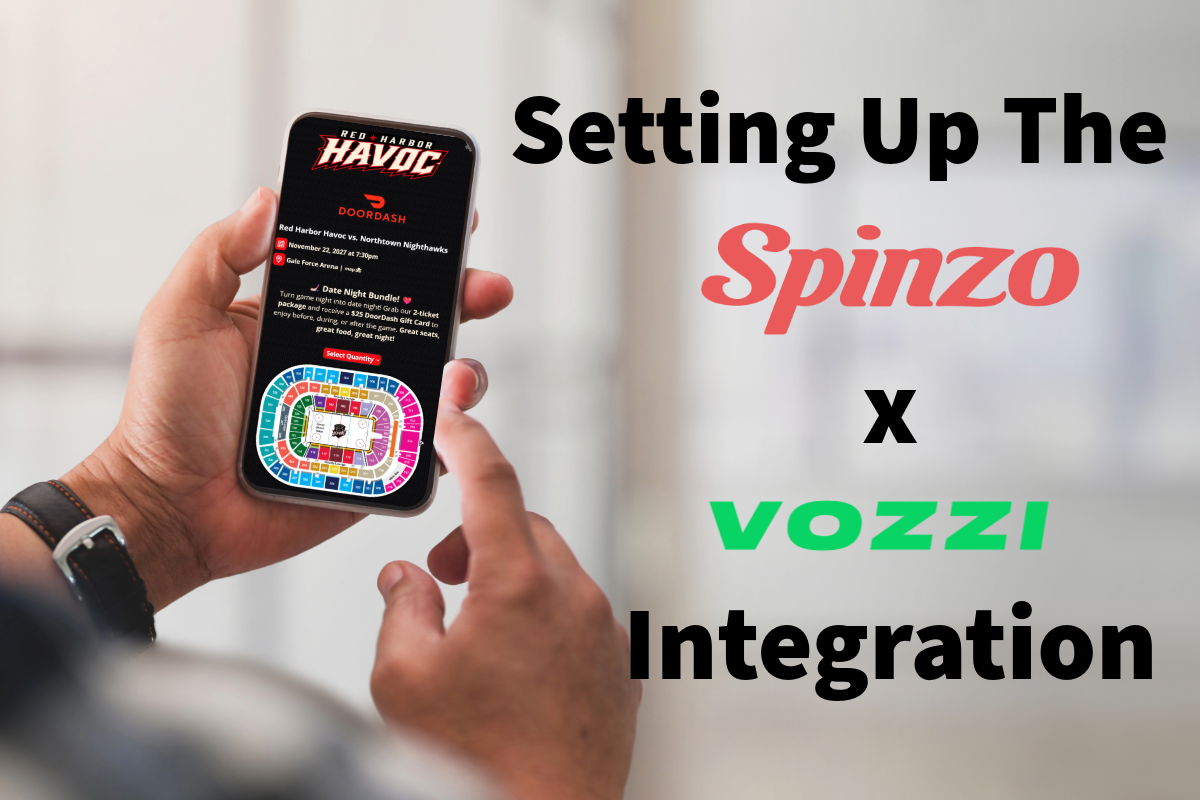
The new integration between Spinzo and Vozzi allows the ability to track the revenue from text campaigns, increase engagement and drive results.
Here are the steps to take to get the integration set up.
#1- Enable TraX in your Vozzi dashboard and set up a TraX for your Spinzo offer. (If you have Vozzi specific questions connect with Vozzi at: info@getvozzi.com)
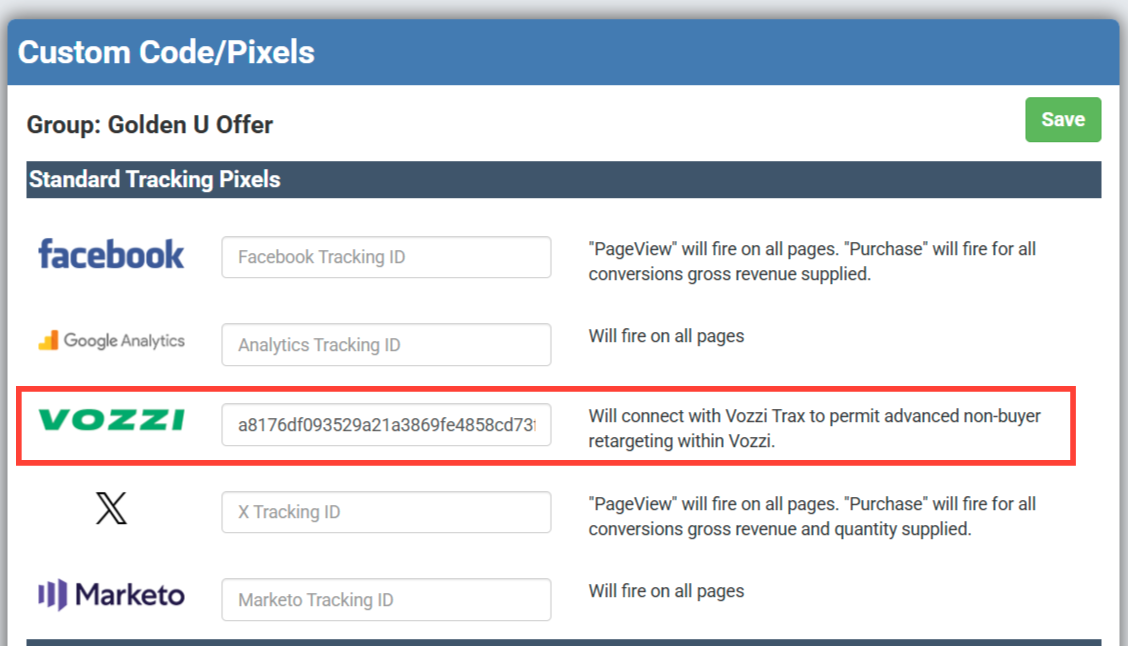
#2- Take the tracking ID from the Vozzi TraX set up and add it at the appropriate level in Spinzo using Custom Code/Pixels tab.
**Tracking pixels and IDs can be added at the seller, group or affiliate level based on the ideal tracking plan via your Vozzi campaigns.
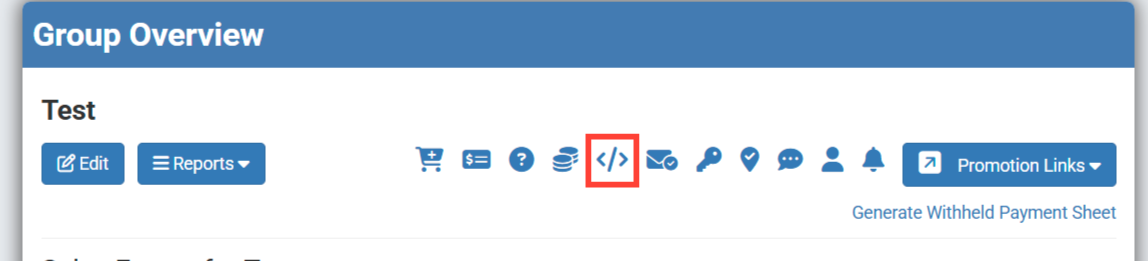
At the seller level, this is on the lefthand side of the dashboard labeled Custom Code/Pixels. At the group or affiliate level (recommended location), you will use the below highlighted icon to place the ID/pixel.
Place the ID in the Vozzi tracking ID slot or place the full pixel/code in the custom code box.
#3- Launch your Vozzi text message with your Spinzo link. Revenue and ticket sales are now tracked back to the text campaign and individual buyers.
Launching a retargeting campaign in Vozzi, buyers of the offer can now be eliminated from the follow-up messaging.