
How To Find Orders & Resend Confirmation Emails
With Spinzo being a self-service platform, fans or customers may reach out to a representative for more information or to request that their confirmation email be re-sent. Spinzo offers a way to look up orders as well as re-send confirmation emails to fans.
To search for an order and re-send a confirmation email, please follow the steps below:
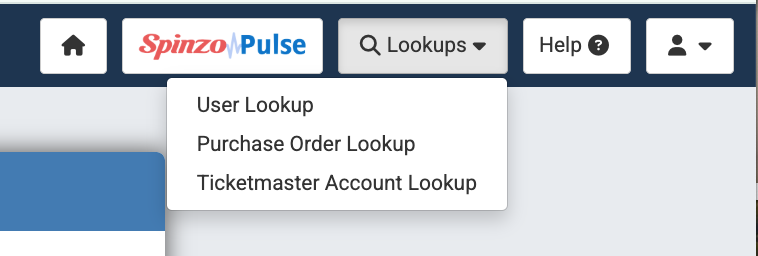
Step 1: On the top bar of the page, locate the "Lookups" tab. It is located toward the right side of the top blue bar in between "Spinzo Pulse" and the "Help" tab.

Step 2: Click "Lookups" and select one of three options:
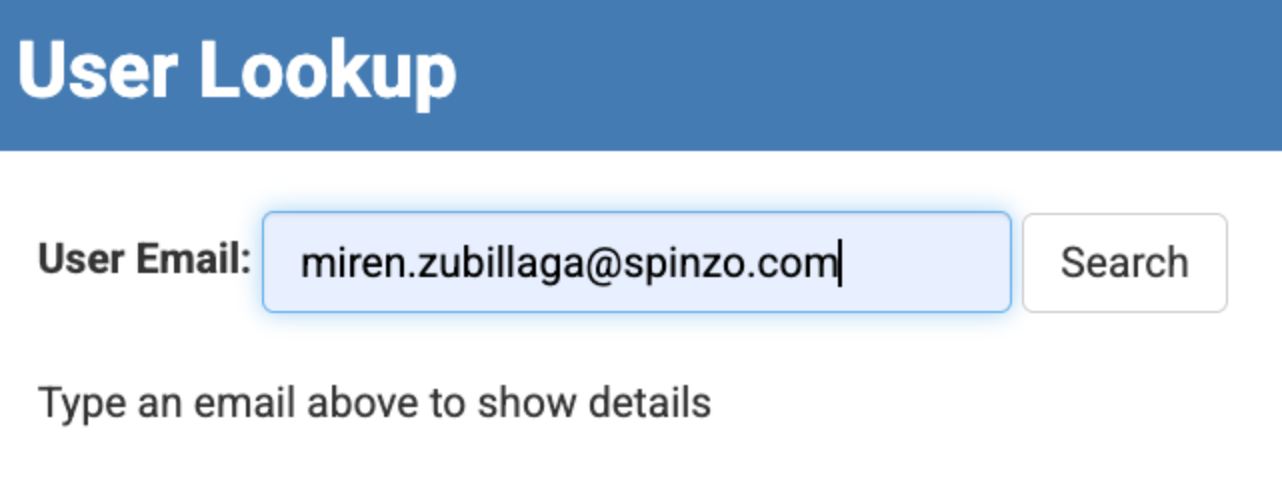
- User Lookup: Search using the buyer's email address.
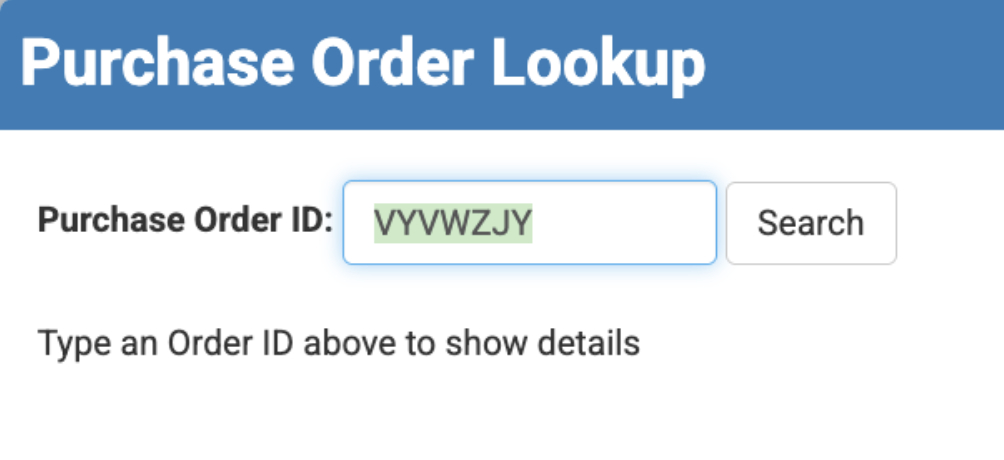
- Purchase Order Lookup: Search using the buyer's Spinzo Order ID
- Ticketmaster Account Lookup: Search by the buyer's Archtics ID.
Step 3: Enter the appropriate information based on your selection and click "Search."
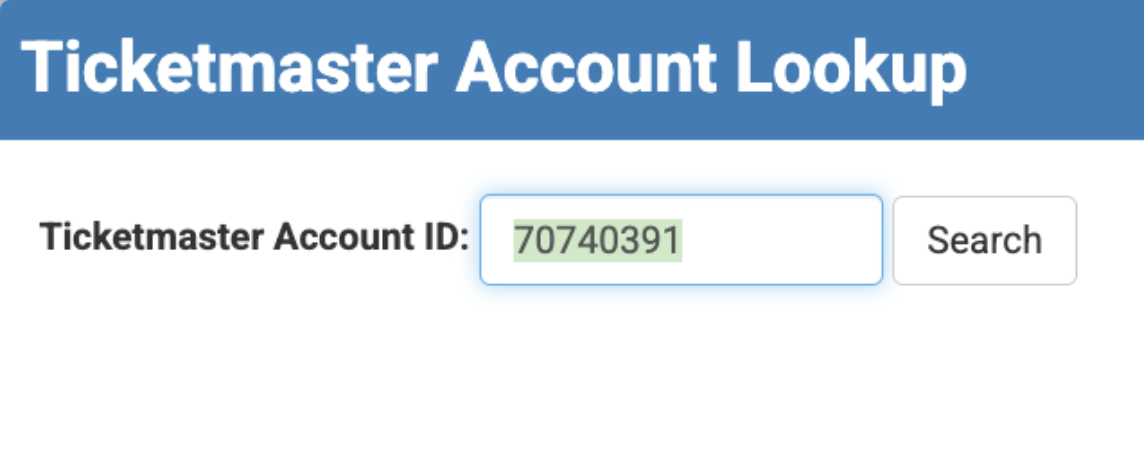
Step 4: After clicking "Search", one of two may appear.
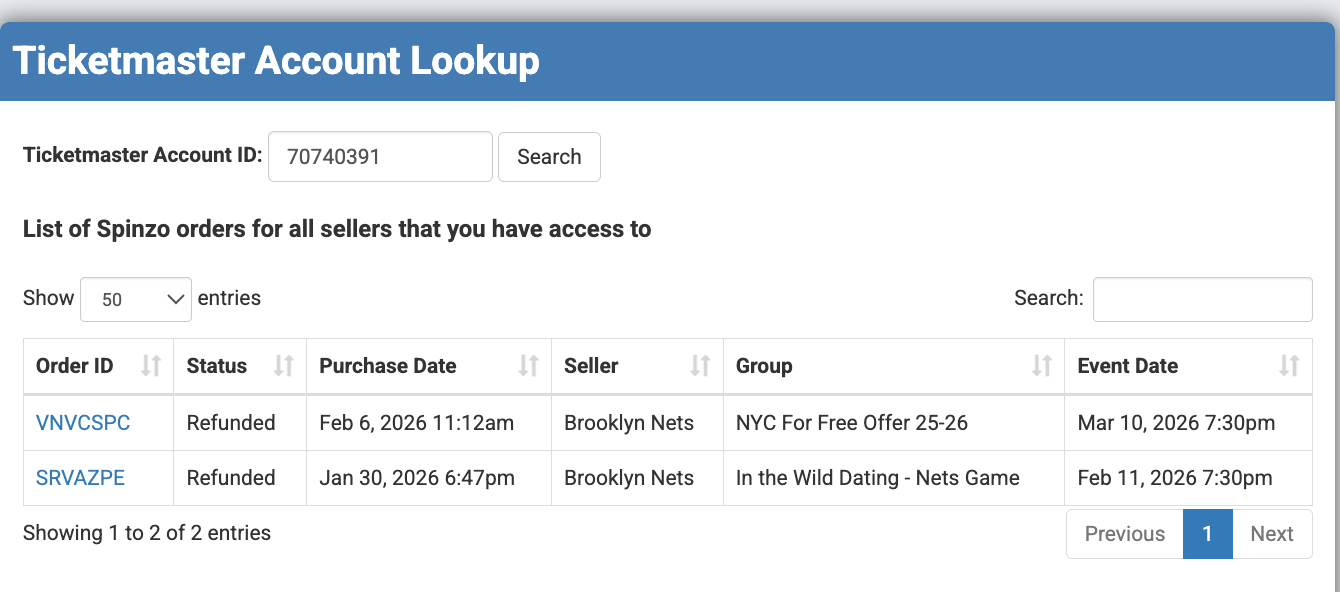
- The page may display a list of multiple orders. This means the customer may have purchased tickets for multiple events. If this is the case, review the order details and select the "Order ID" the customer is inquiring about.
- If the customer only has one order, the page will display the customer's name, email, phone, etc. If this page appears, scroll to the bottom of the page to find the "Re-send Confirmation Email" button as shown in the image below.
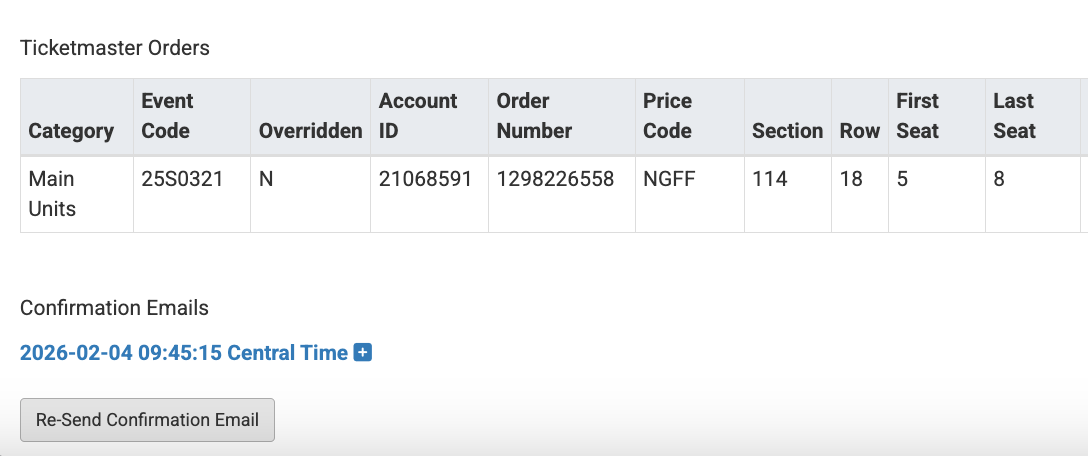
Step 5: Click "Re-send Confirmation Email" and confirm that the customer has received the confirmation email. Have them check their spam if the email is not visible in their inbox.
If the order cannot be found using one of these methods, search for the customer's name under the buyers list for the specific promotion or contact support@spinzo.com.