How To Archive Groups

At the end of a season or at other key points in the year, it may make sense to clear out or clean up the list of groups. The best action for this is to archive groups that are not in use. This process is recommended over deletion to preserve data.
To archive a group follow these steps:
Step 1: Find the group you want to archive in the group listing and click into the Group Overview.
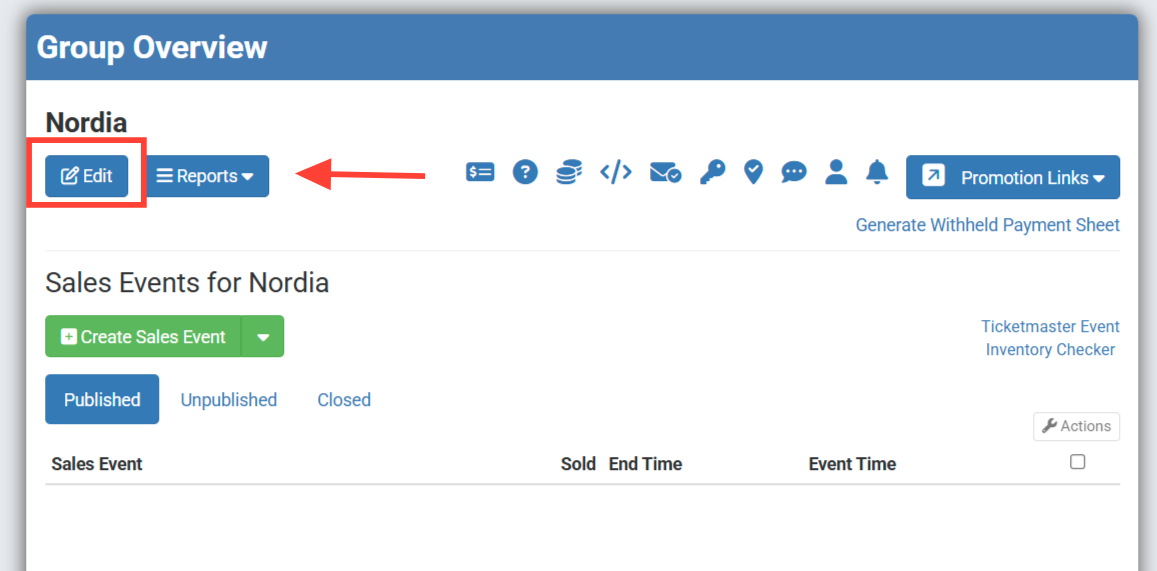
Step 2: In the group overview click to Edit the group.
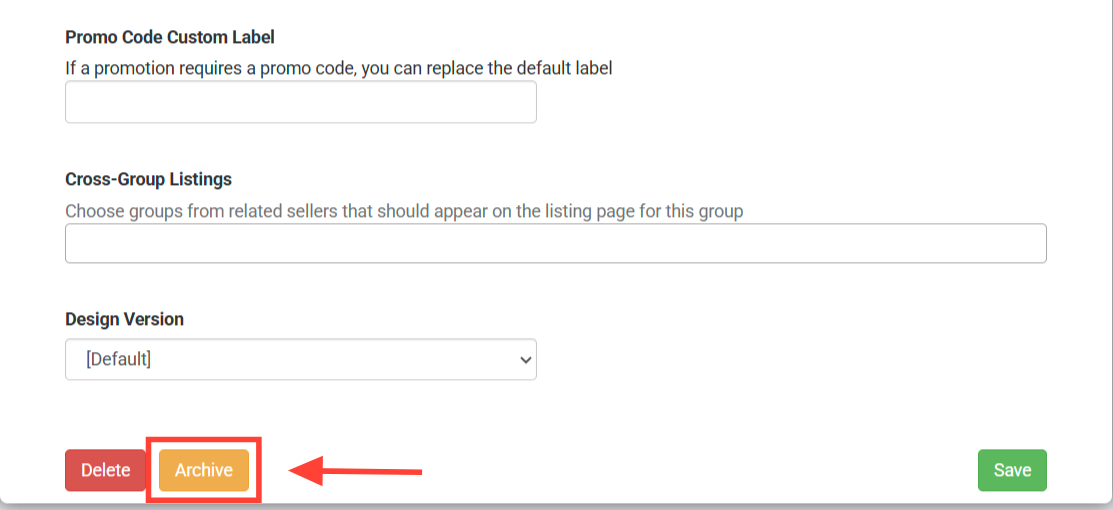
Step 3: In the Group Details, scroll to the bottom of the page, to locate the Archive button.
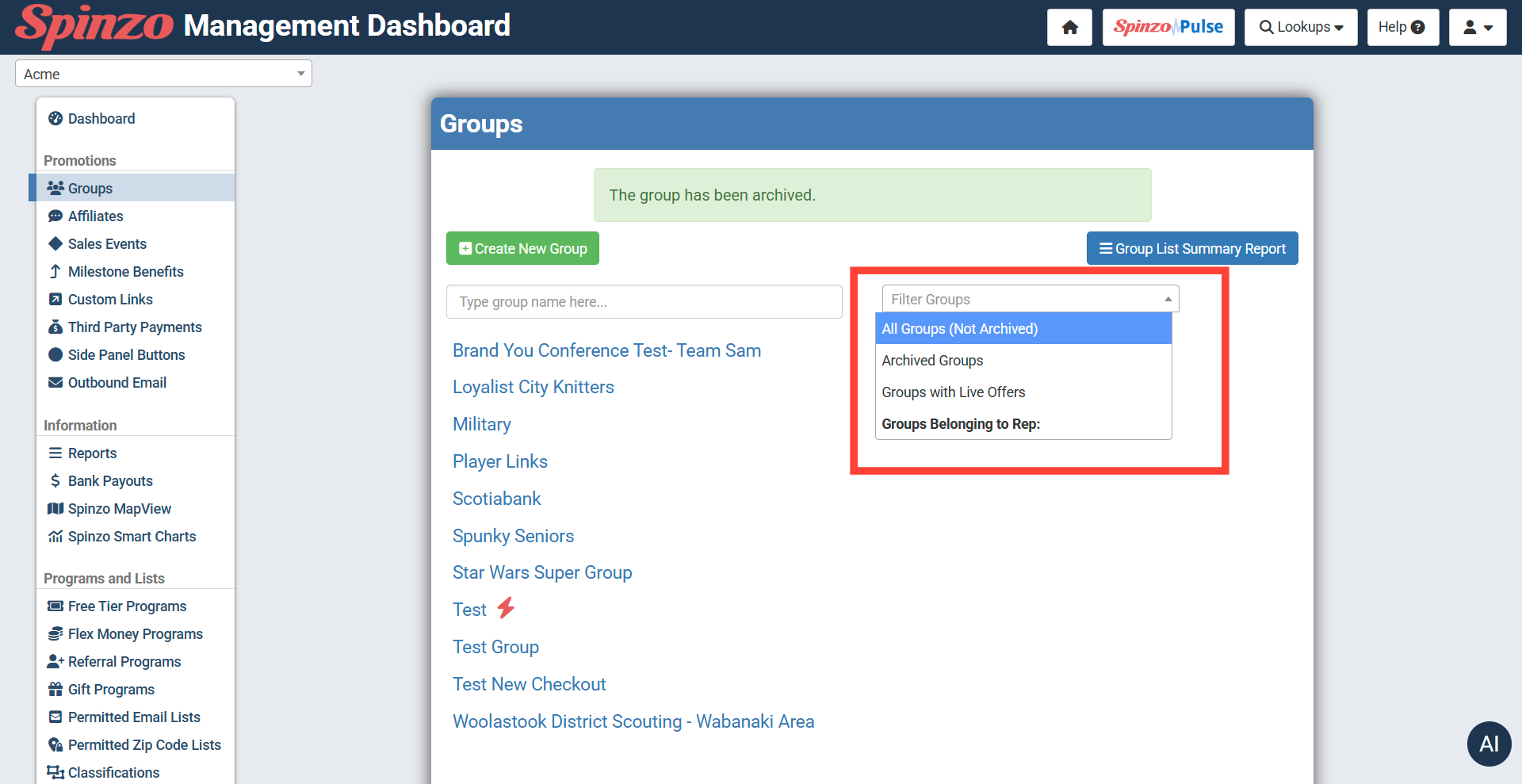
Archived groups, do not appear in the general group listing but can be found using the filter groups drop down on the right hand side of the Groups page.
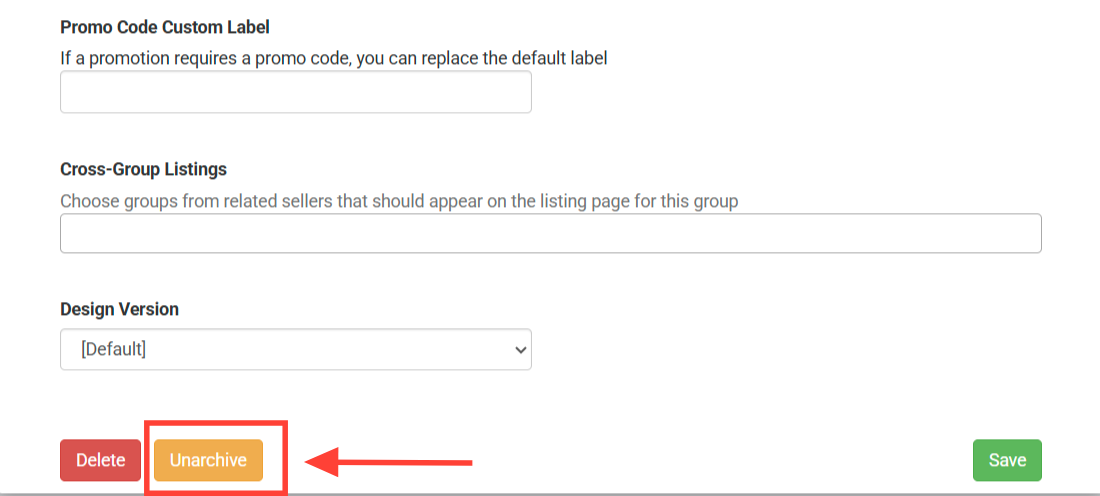
To unarchive a group for further use, repeat the above steps and selecting to unarchive the group: