How Teams Use Multiple Sales Events to Showcase Purchase Options
Multiple sales events can be an effective way to highlight available inventory and create clearer purchasing paths for buyers. Rather than displaying multiple offers within a single sales event, teams can use separate sales events to showcase specific products, experiences, or packages. This approach has been successfully used for promotional items, fan experiences, and special ticket packages.
Below are some of the most common use cases, along with instructions for setting up a page with multiple sales events.
Promotional Items Page
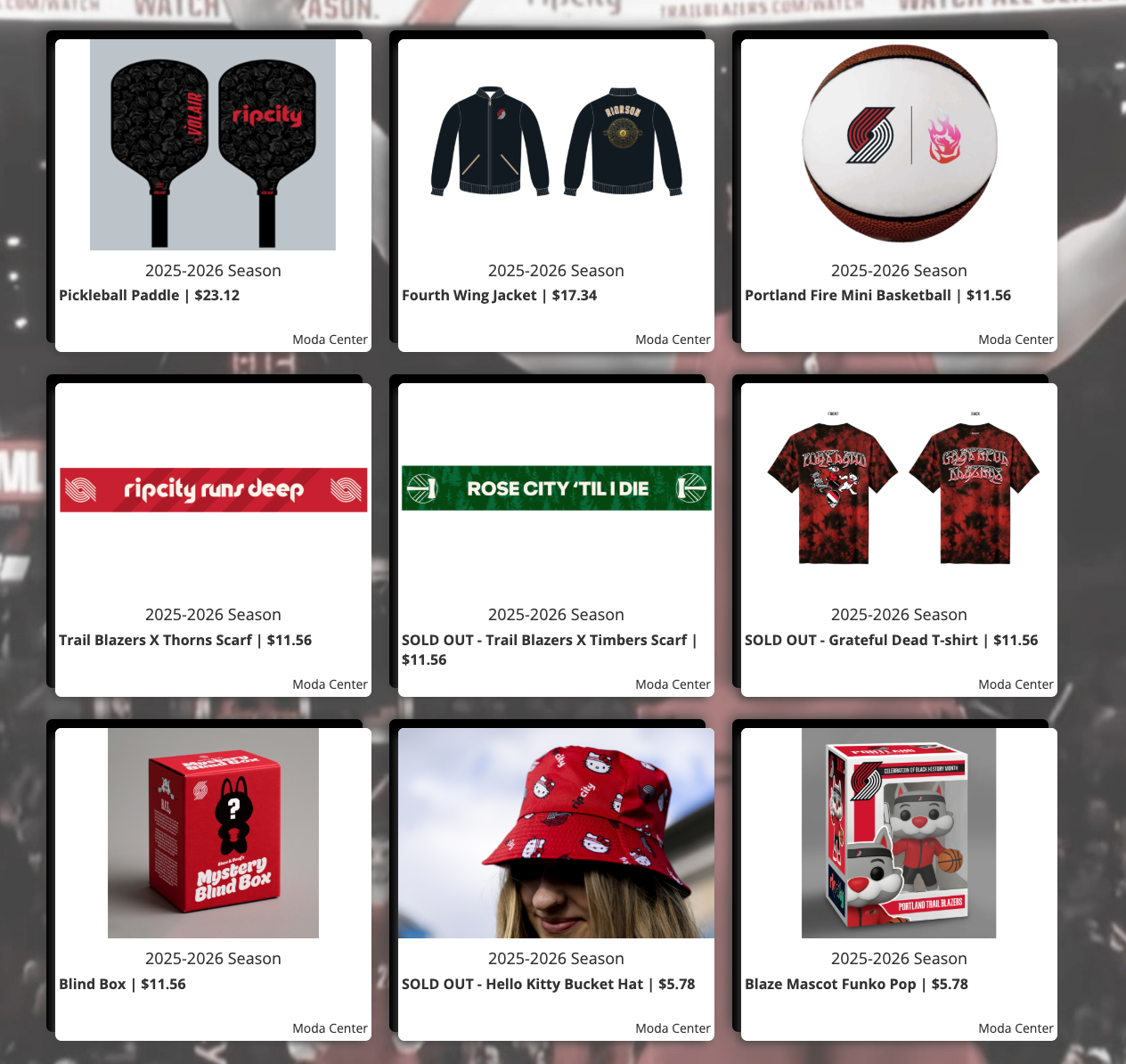
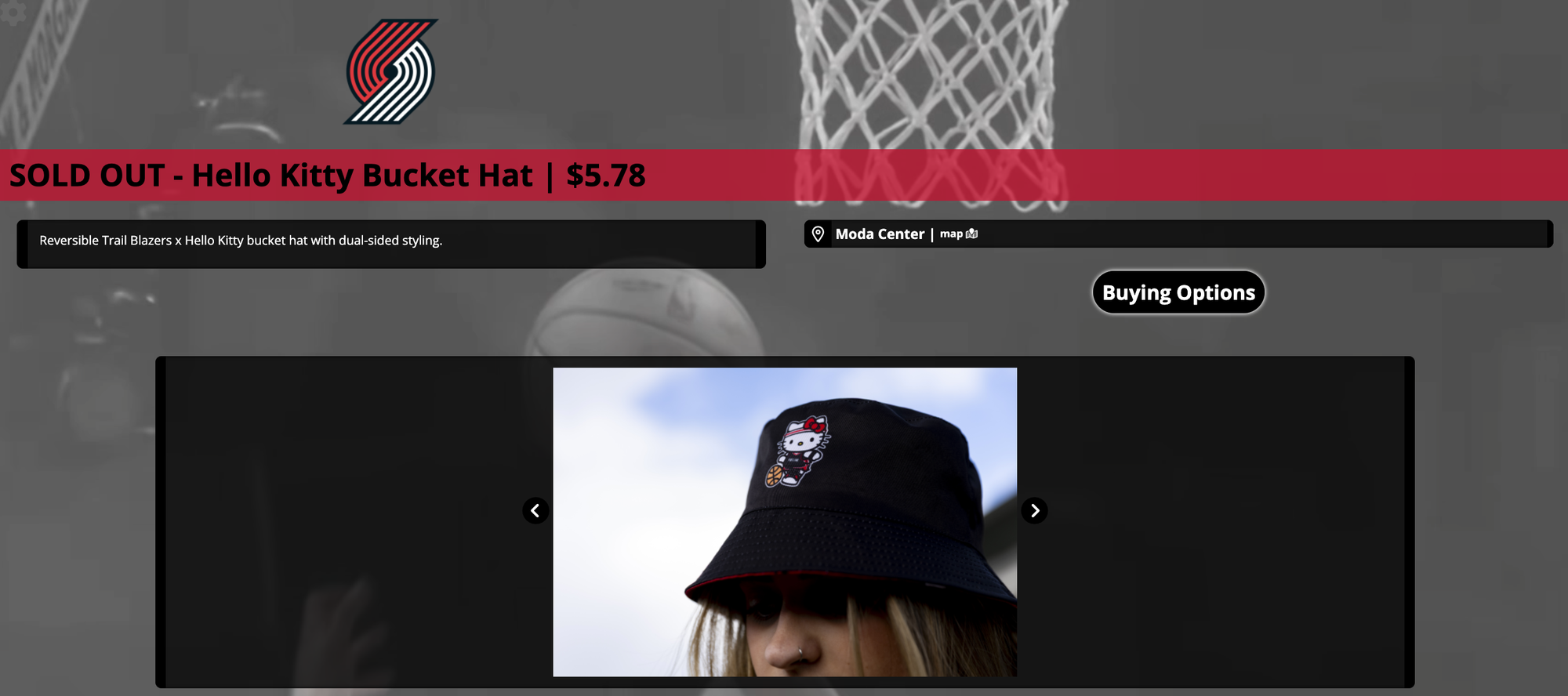
Many teams use multiple sales events to showcase individual promotional items, allowing buyers to select the specific item they want from the main page. In the example below, the Portland Trail Blazers sold excess promotional inventory after their season concluded by displaying each item as its own sales event.
Special Bundles and Packaging
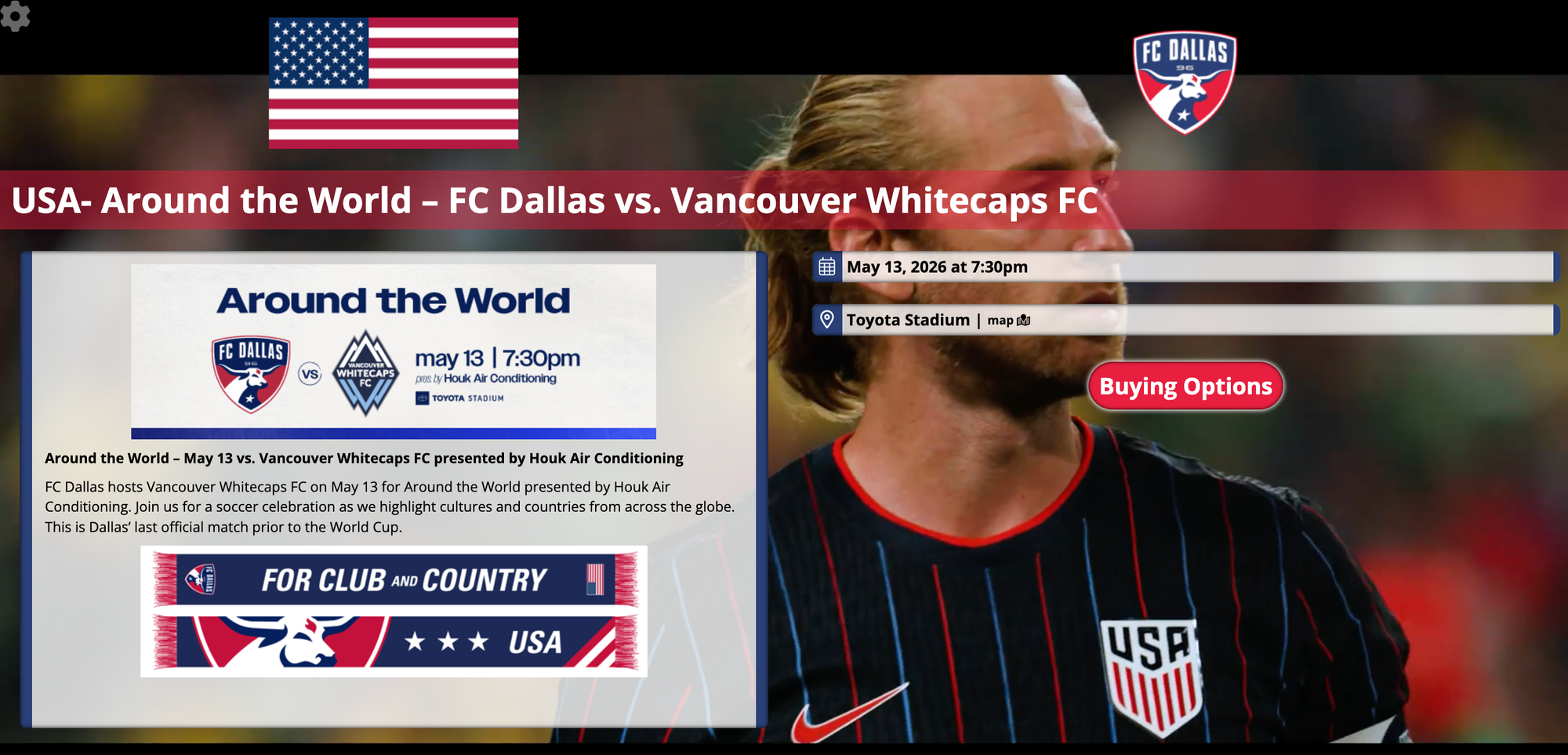
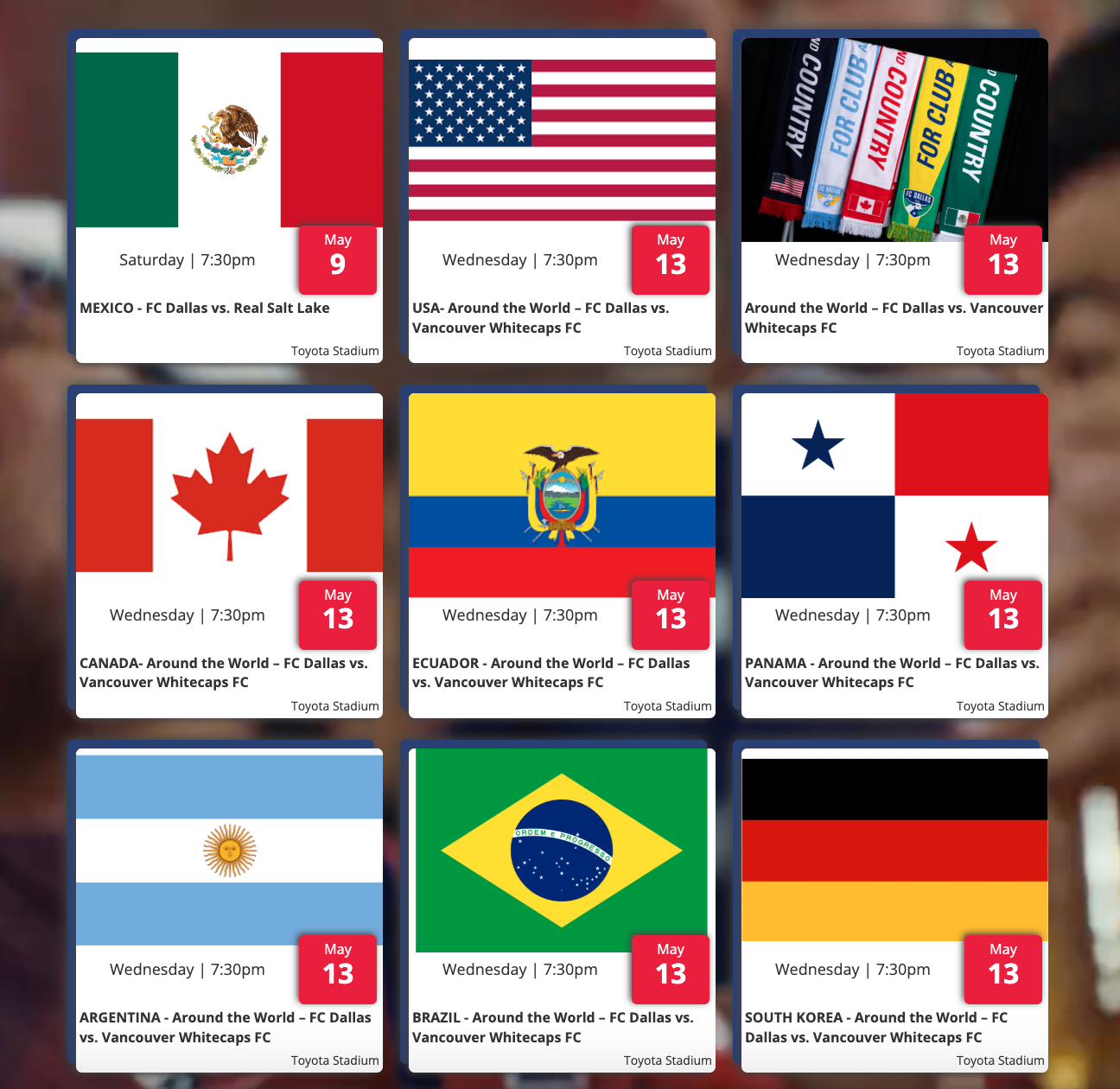
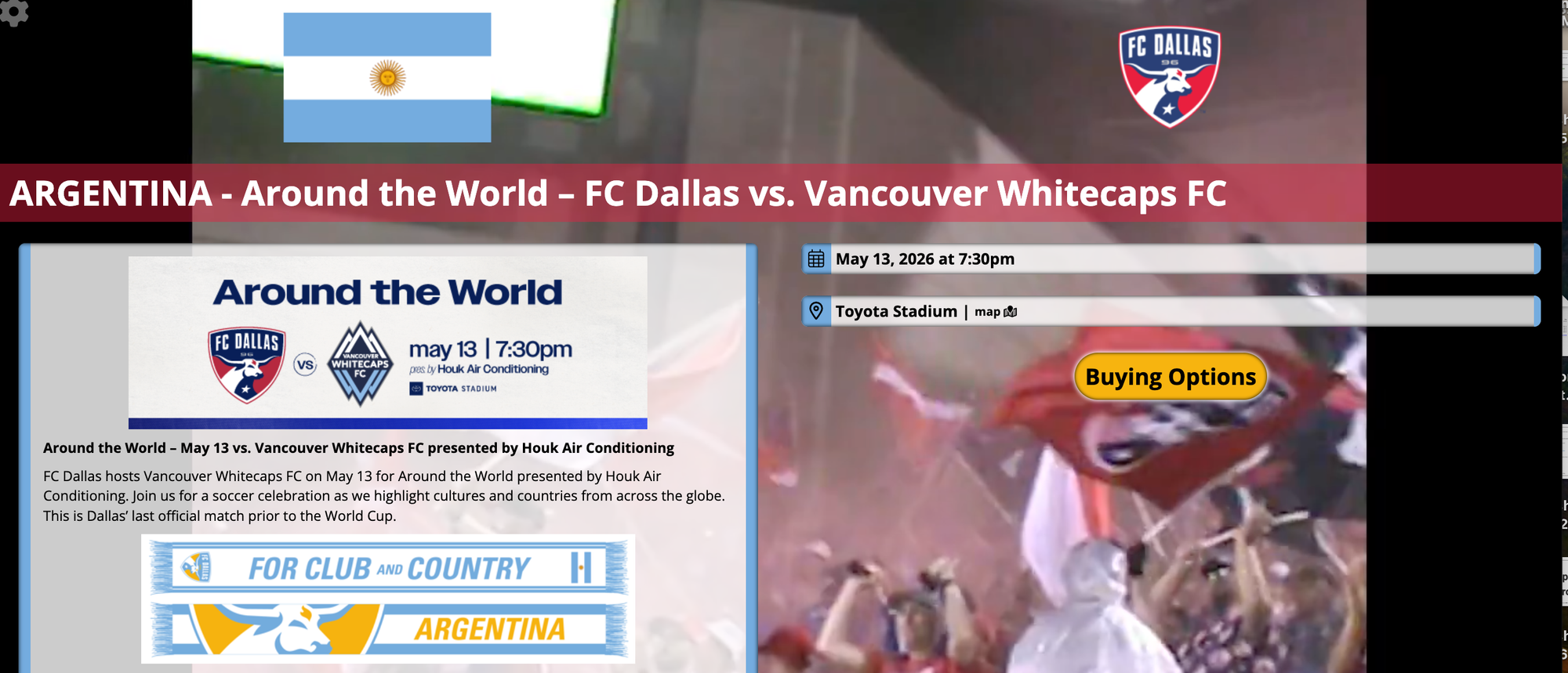
Teams can offer different packages or bundles for the same game, or offer the same packaging over multiple event dates. In the example below, FC Dallas created sales events tied to the same game dates and bundled a country-specific scarf with each ticket package in preparation for the World Cup. They differentiated each sales event with an image of the specific country's flag.
Fan Experiences
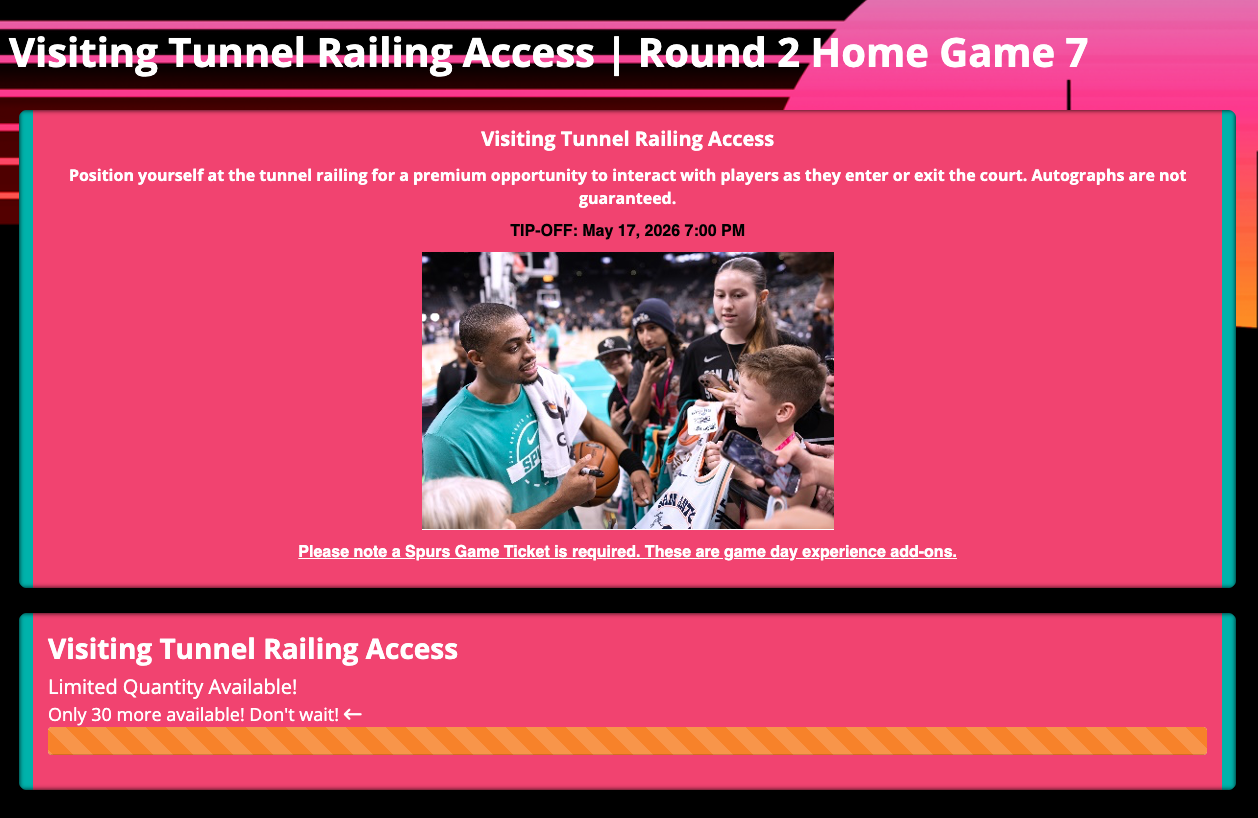
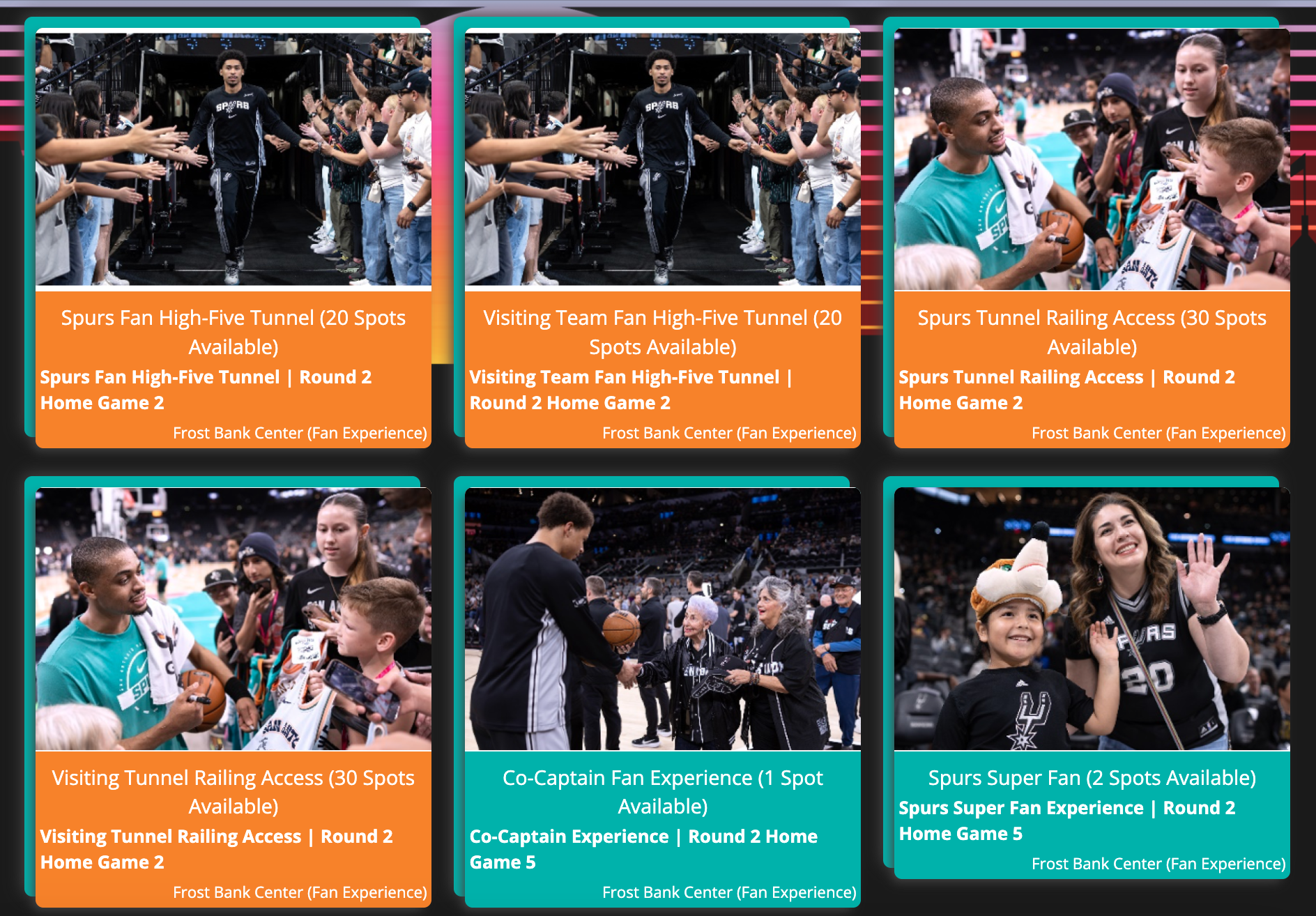
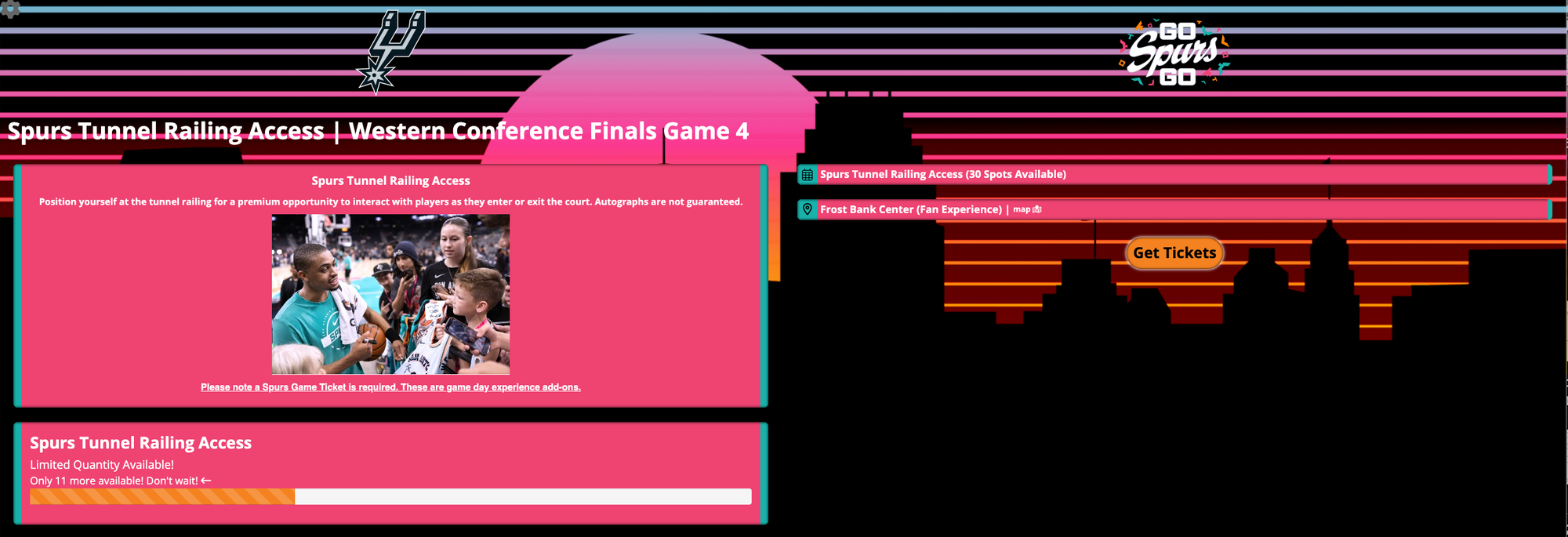
Teams selling unsold fan experiences or highlighting select experiences can use multiple sales events to showcase available options. In the example below, the Spurs displayed several fan experiences that fans could purchase for playoff games.
Mix & Match Standard with Specialty Packages
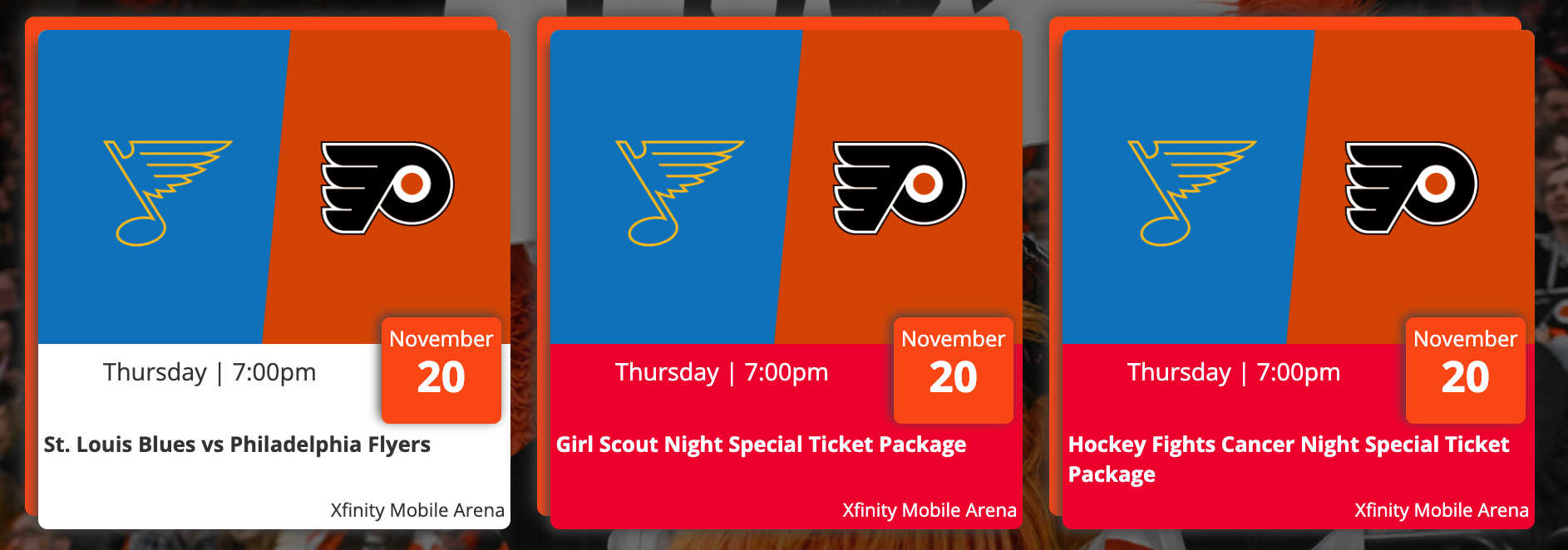
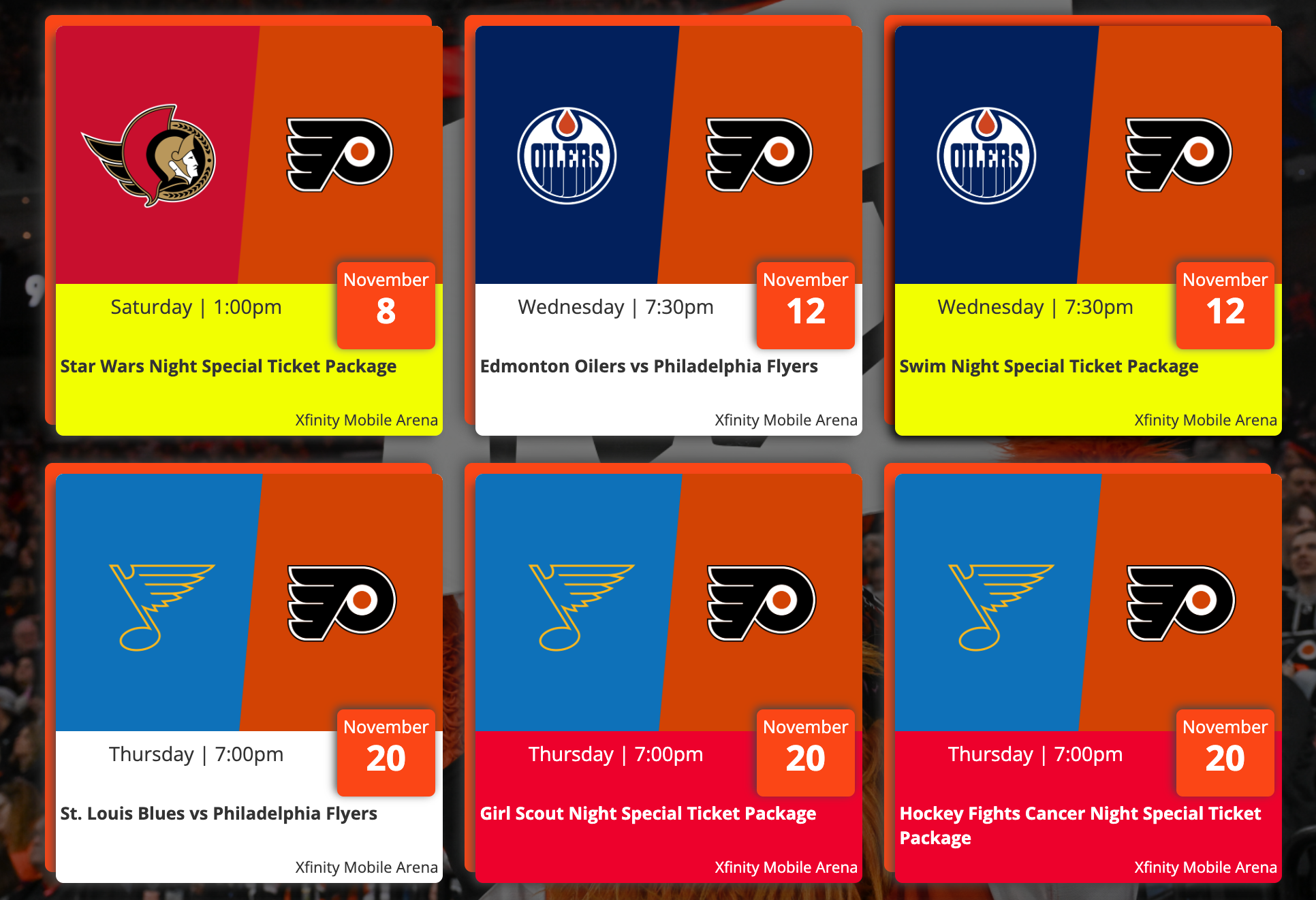
Teams may offer standard group ticket options alongside specialty offers for the same game date. In the Flyers example below, the Swim Night Special Ticket Package was offered alongside a standard November 12 date option, while Girl Scout Night Special Ticket Package and Hockey Fights Cancer Night Special Ticket Package were offered alongside a standard ticket option for the November 20 game.
How to Build a Page with Multiple Sales Events
If this setup aligns with your promotion, follow the steps below:
Step 1: Create a new group or select an existing group.
Step 2: Create the first sales event. Be sure to include specific details that differentiate it from other sales events that will be included on the page. Updating the sales event name is often the easiest way to distinguish each option.


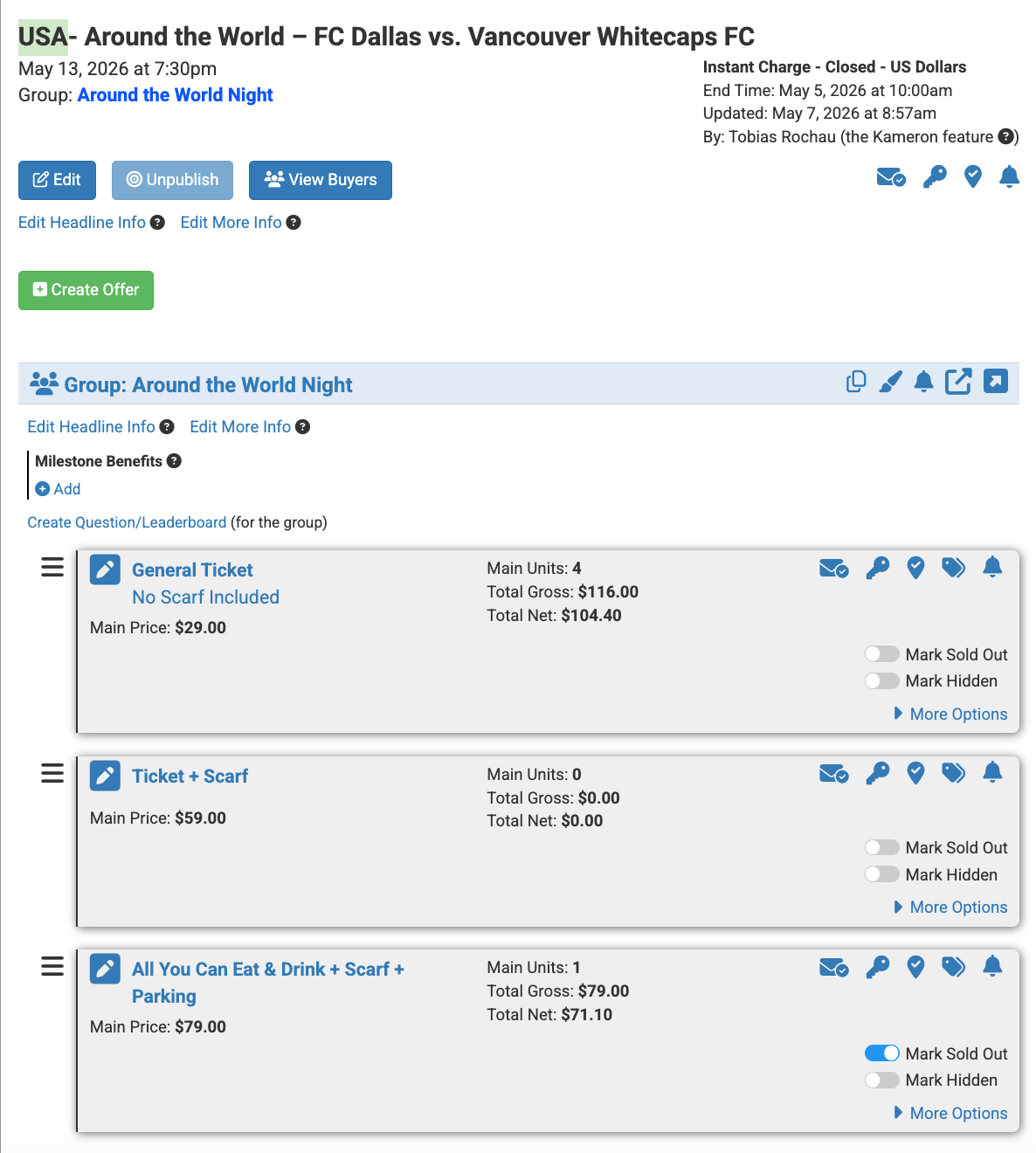
Step 3: Create the offer or offers that will correspond to the sales event. In some cases, the same offers may be used across multiple sales events. In other cases, each sales event may contain a unique set of offers. For example, FC Dallas included specific offers within the USA-themed sales event.
*Note: The same offers can be used across multiple sales events when appropriate. If this is the case, consider using the copy feature to save time. For instructions, see: How To Use The Offer Copying Feature.
Step 4: Repeat Steps 2 and 3 for each sales event you want to include on the page.
Once completed, there should be a list of sales events under the "Unpublished" or "Published" tab.
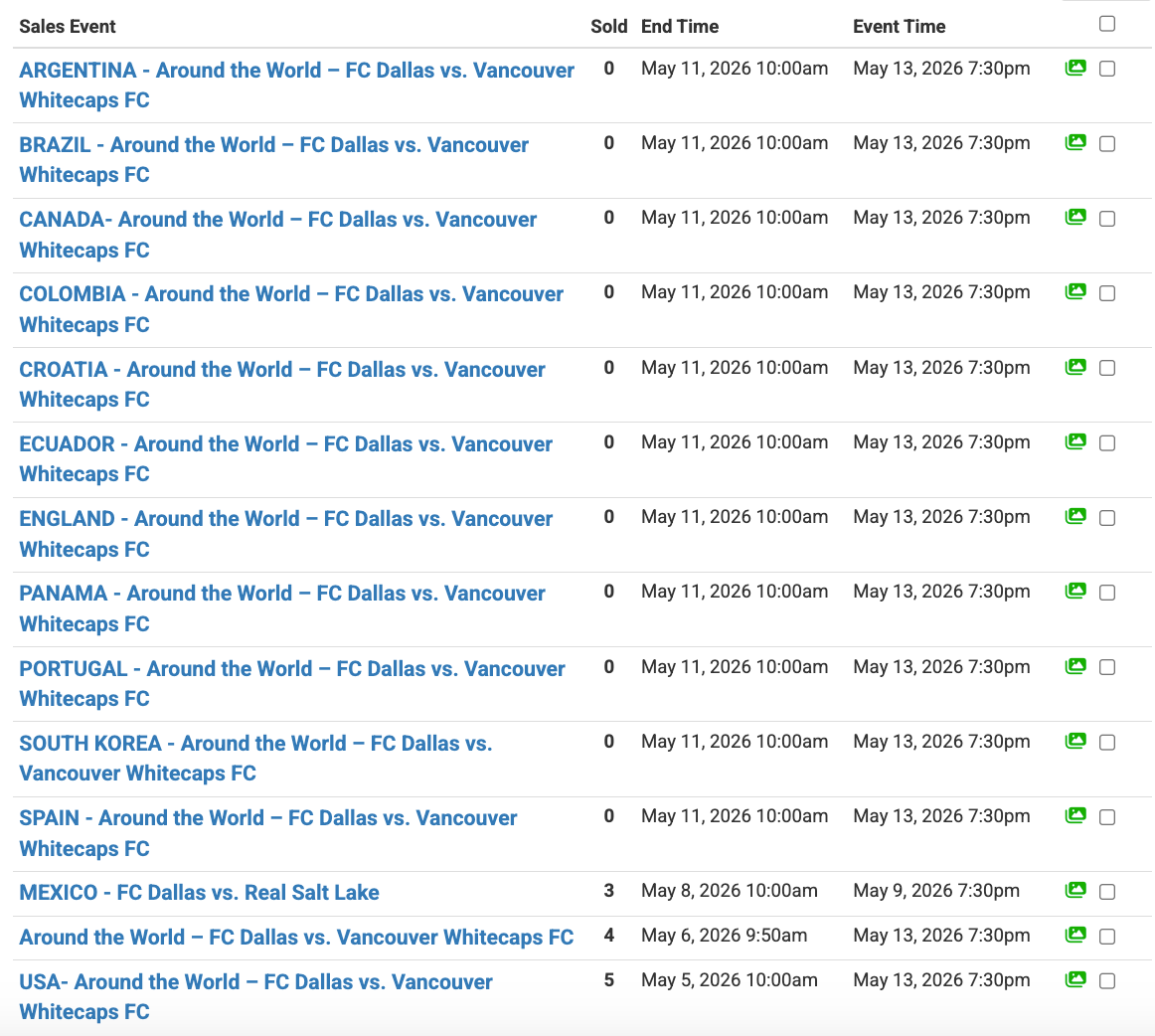
Final Result: The completed setup should resemble the examples below:
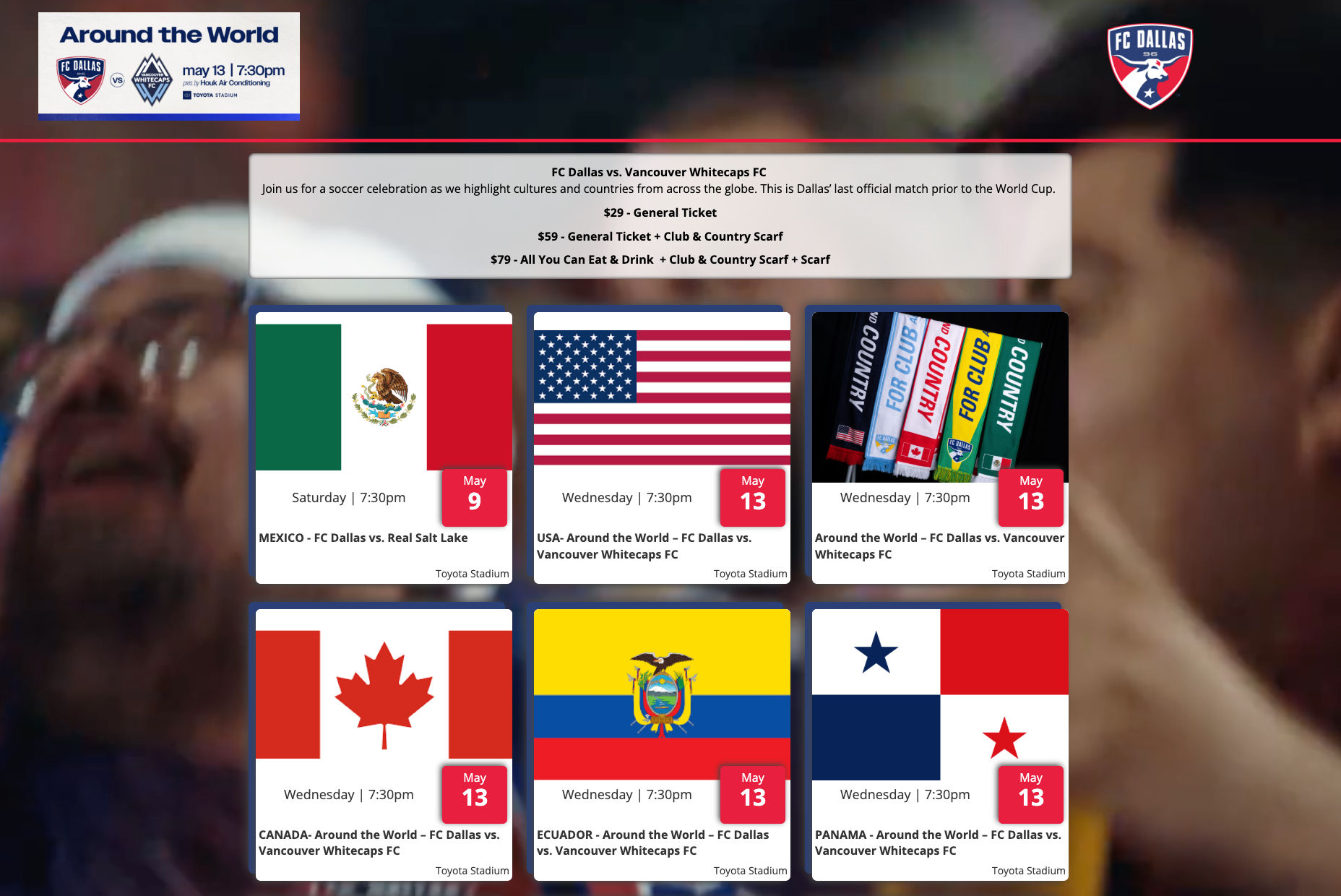
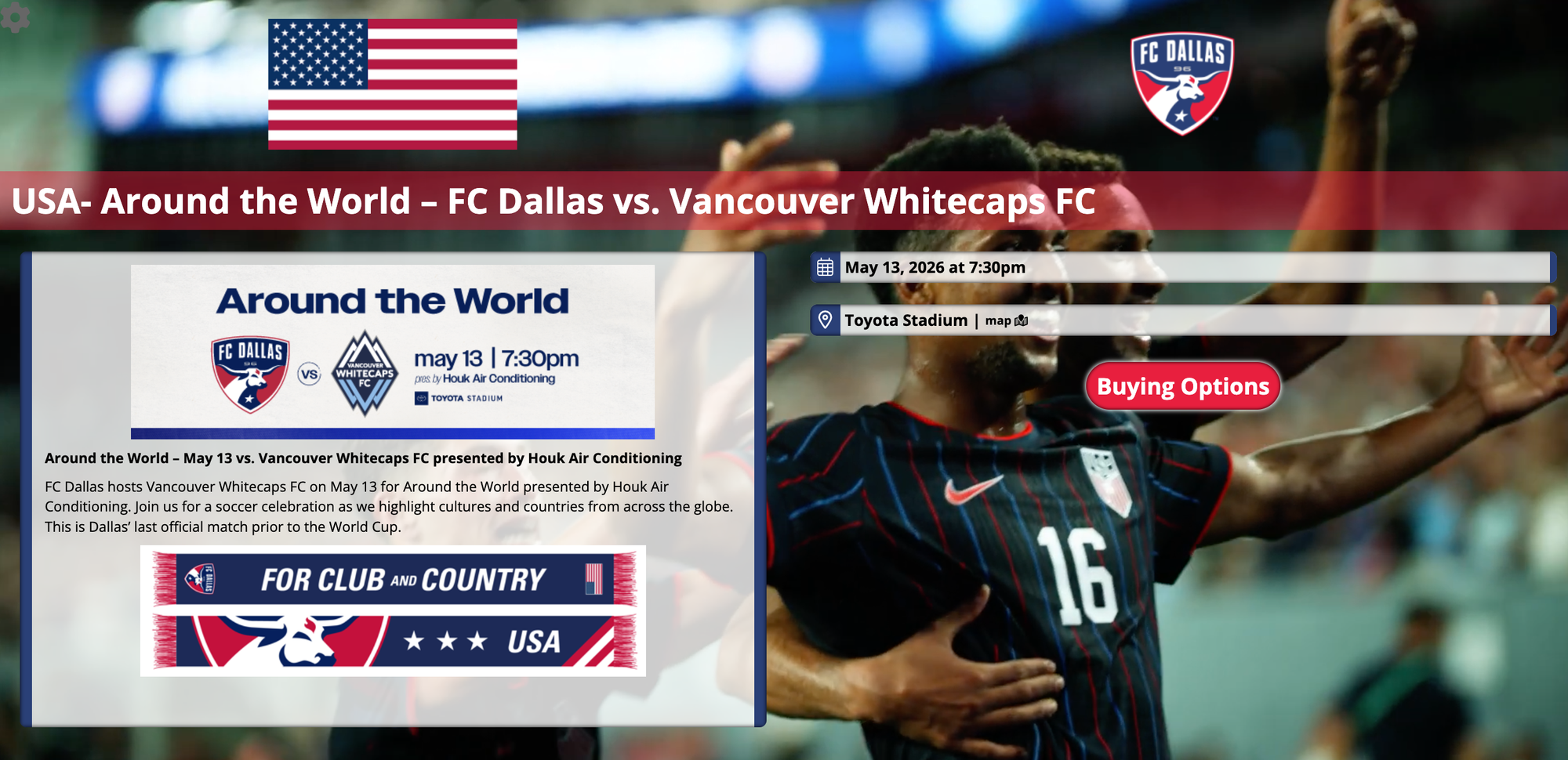
**Pro-Tip: Consider customizing the look and feel of each sales event page to help distinguish the available options. Using different colors, branding elements, and milestone benefits can help draw attention to specific sales events and improve the buyer experience.