
Effective Ways To Use StyleUp
Spinzo's StyleUp provides teams with even more ways to customize their pages and create a look that better reflects their brand. By building on the standard elements available through Immersive Design, teams can make simple styling adjustments that have a noticeable impact on the overall look and feel of a promotion.
Below are five basic StyleUp changes teams are using to enhance their pages.
Center Main Header Logo
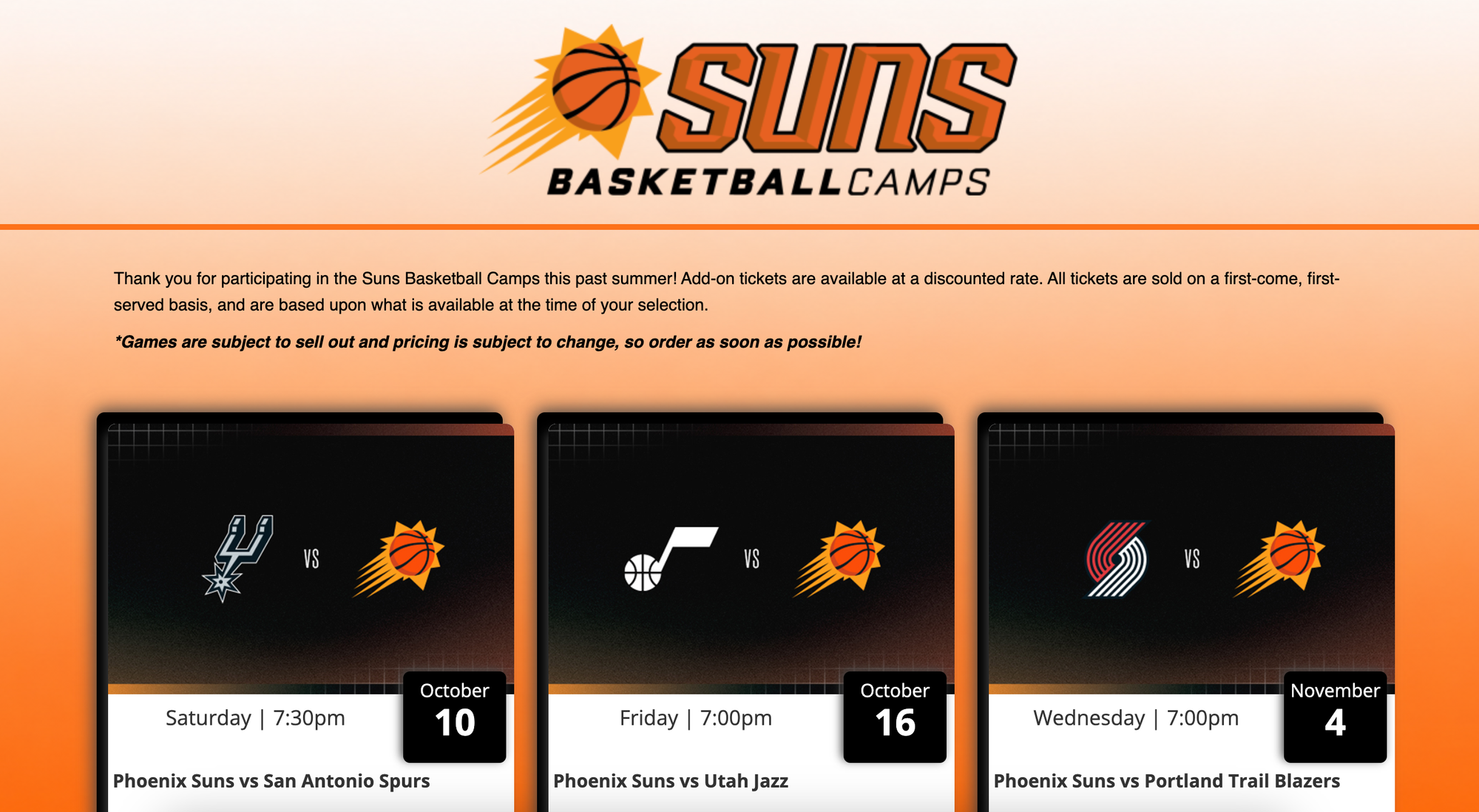
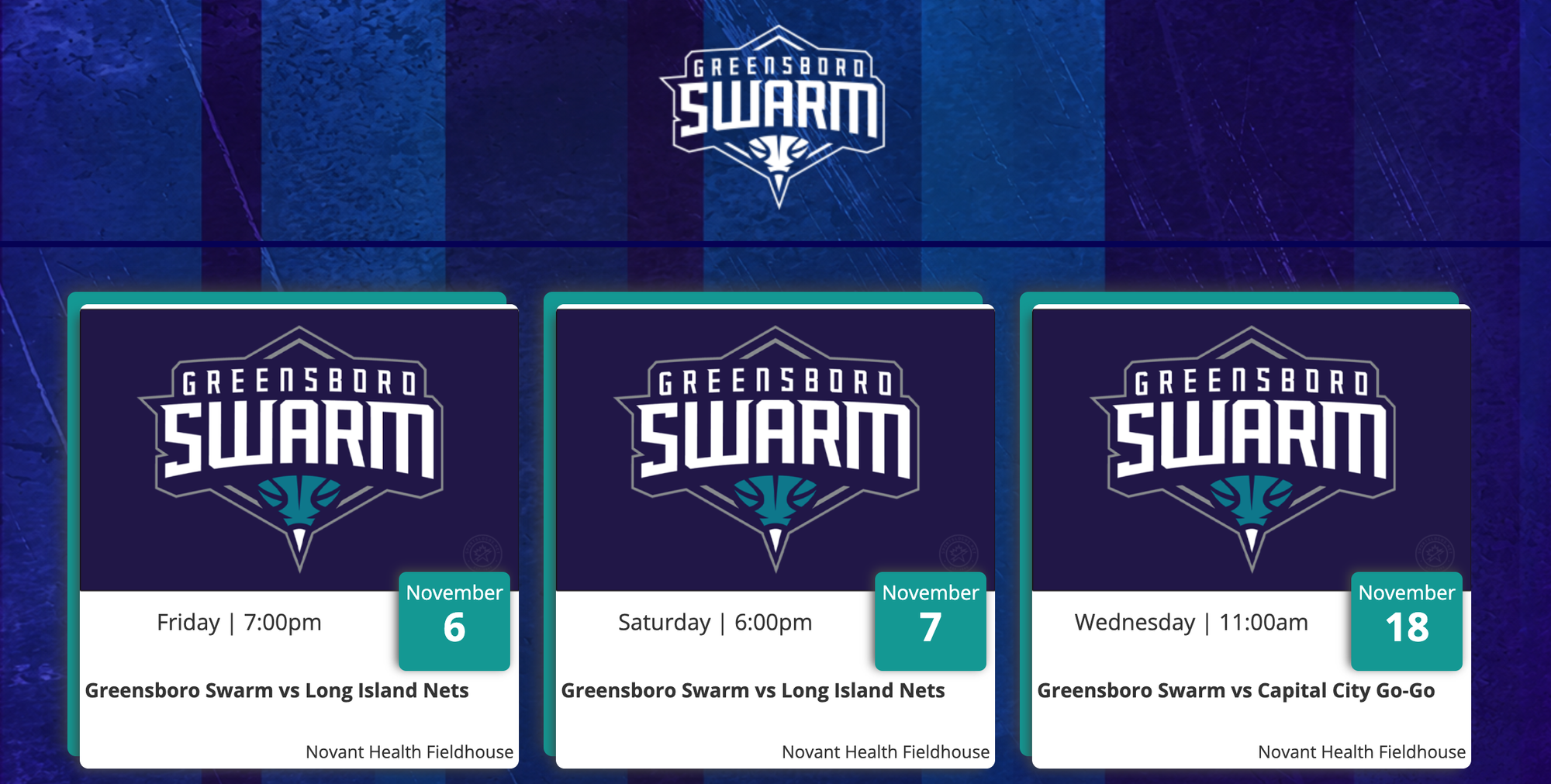
Multiple teams have been using StyleUp to center their main header logo, which typically appears on the left side of the page on a desktop promotion. When set up properly, the logo will be centered for promotions that do not include a "Group Logo" but will adjust back to the left when a "Group Logo" is being added.
In the examples below, the "Group Logo" or promotion name is not being showcased, so the header logo is centered.
Adding Fonts
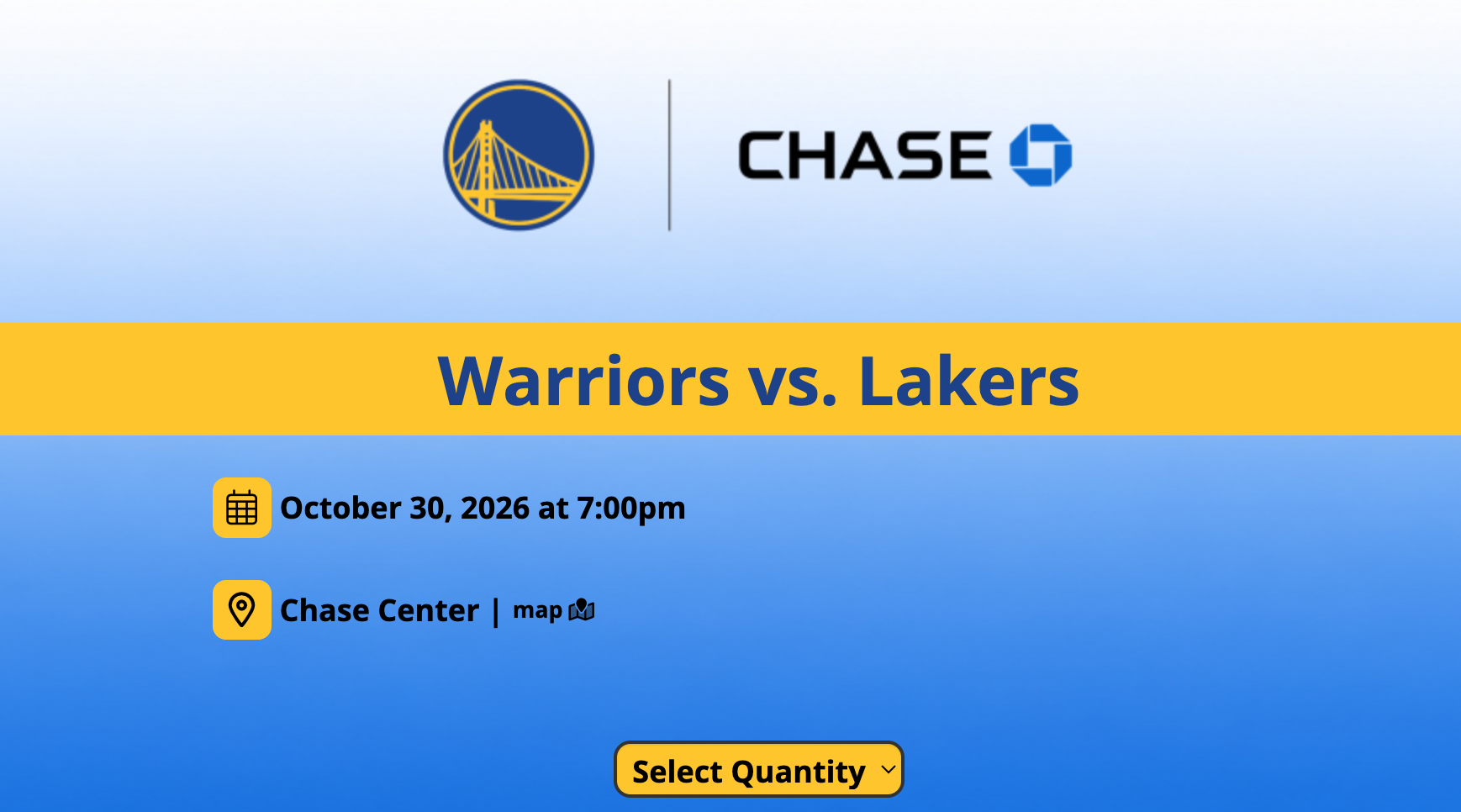
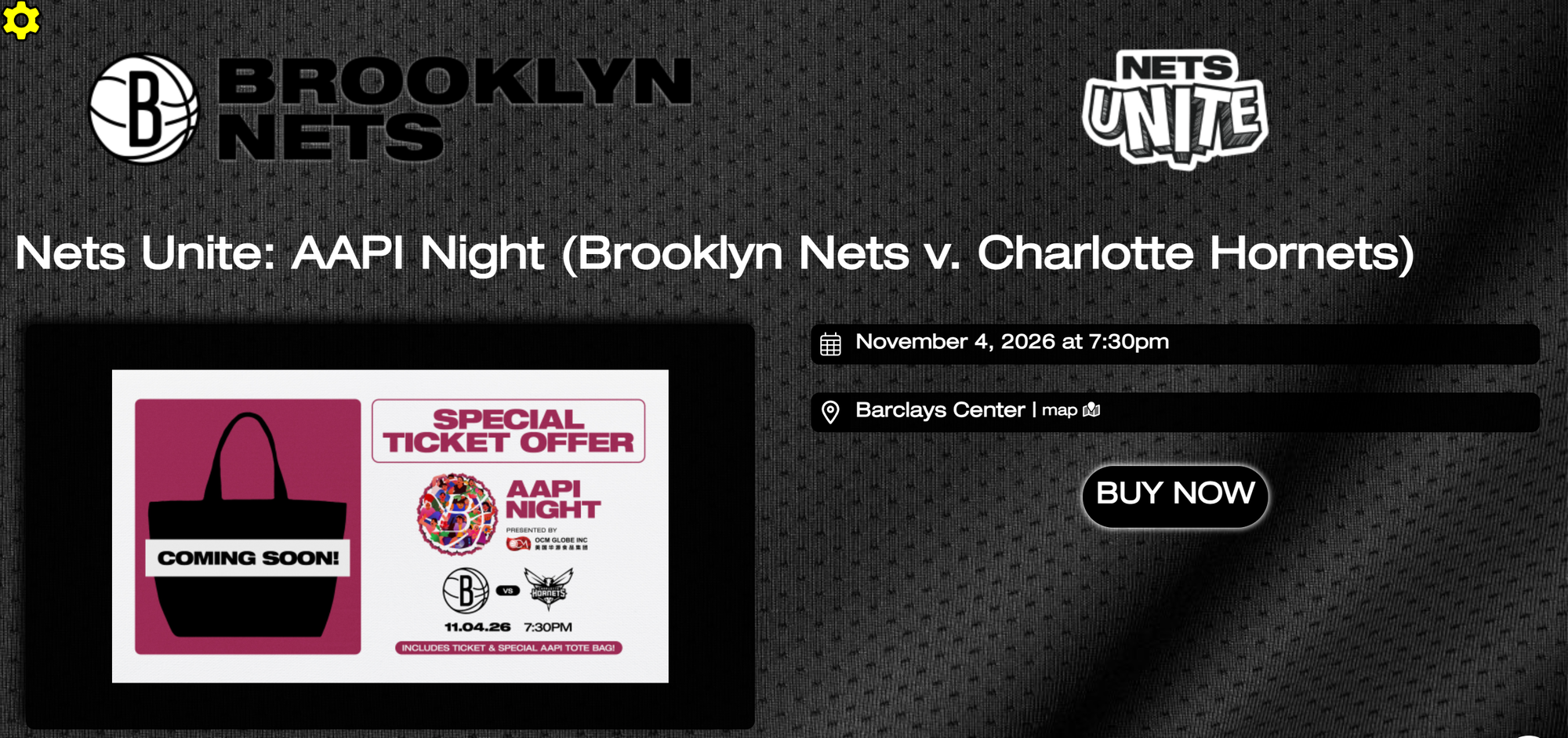
Although Spinzo could always add custom fonts, StyleUp allows fonts to be added directly to a branding template. This makes it easy to use different fonts for specific promotions. The examples below show how different fonts can help customize the look of a page.
*Note: The best way for fonts to get added in is to send Spinzo the specific font files that should be used for a branding template.
Header Backsplash
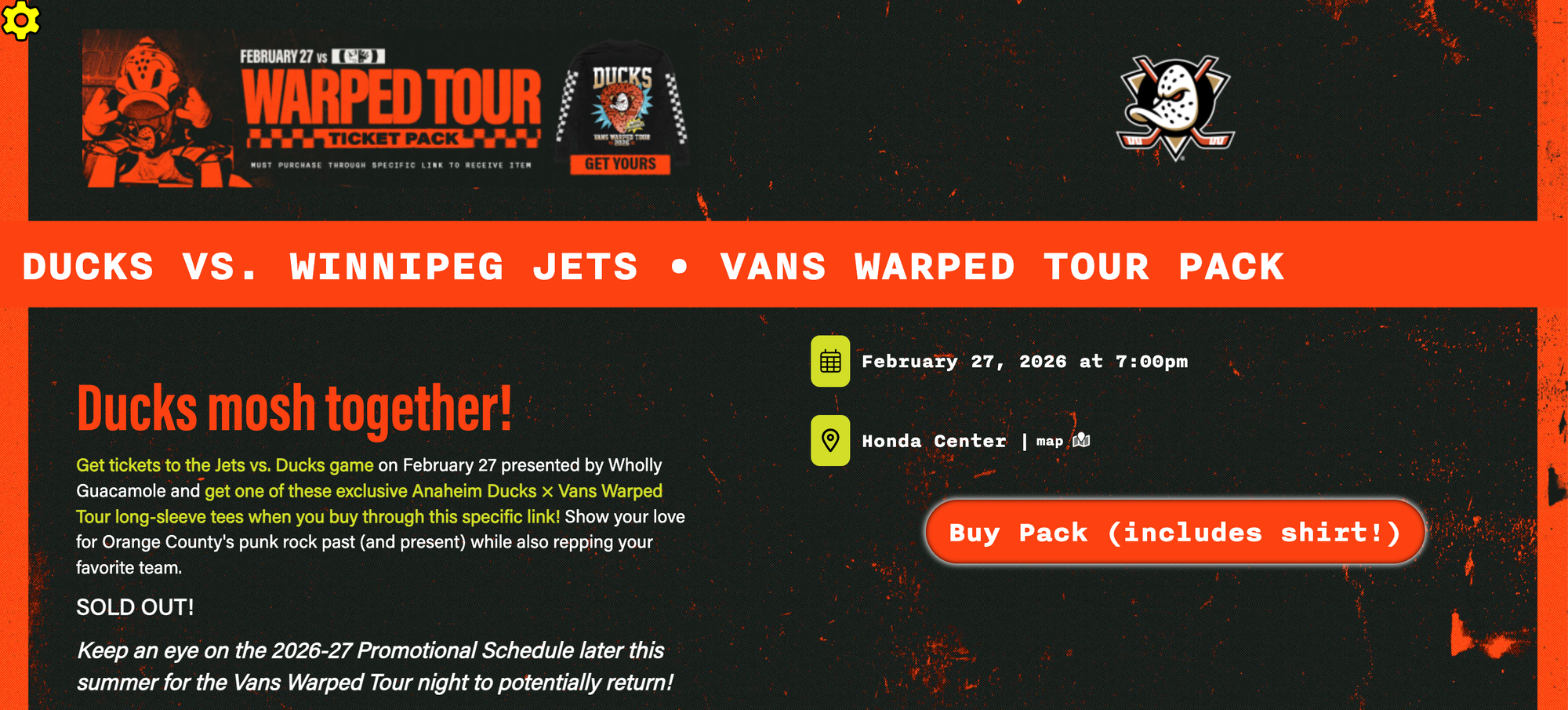
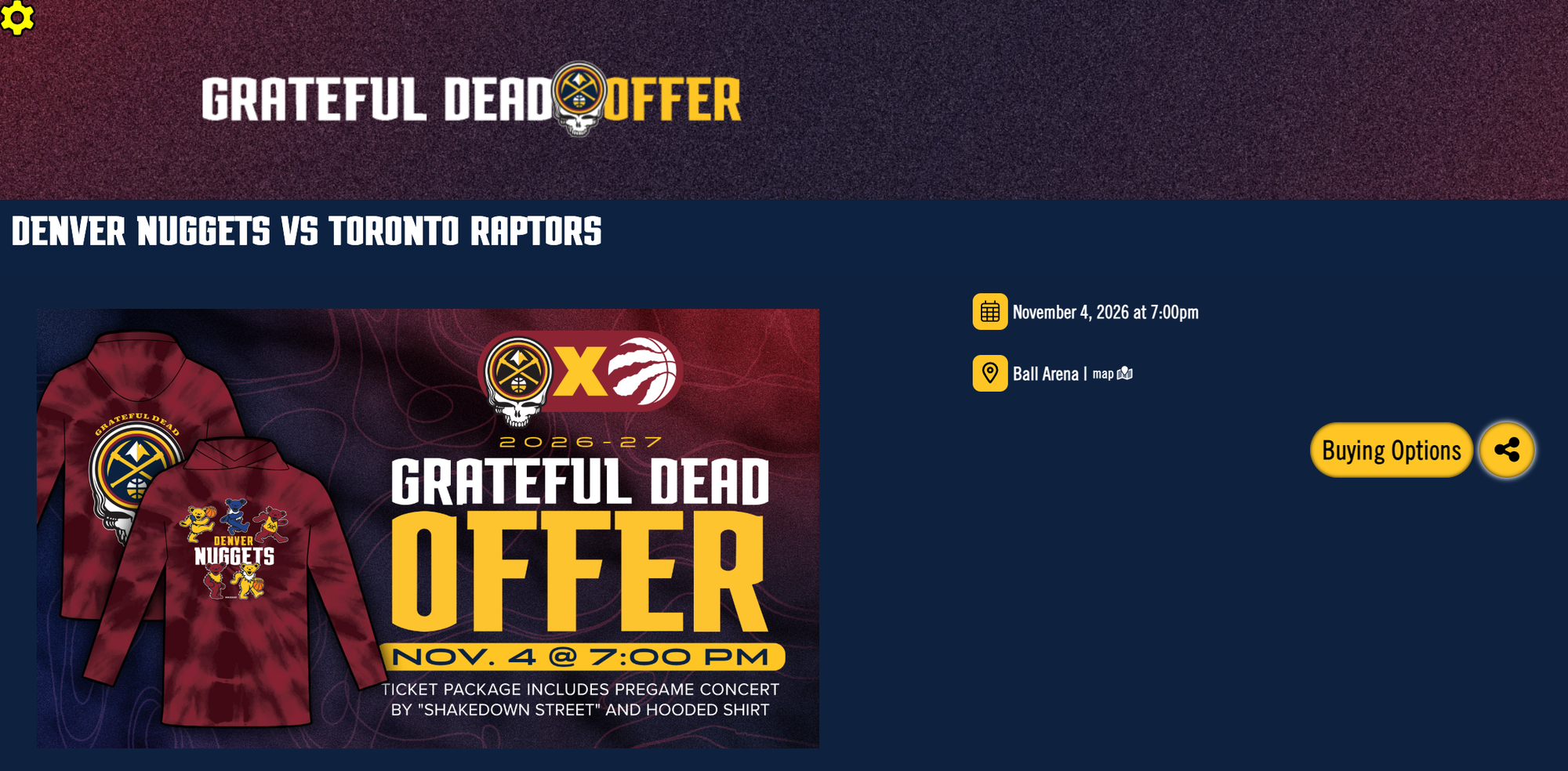
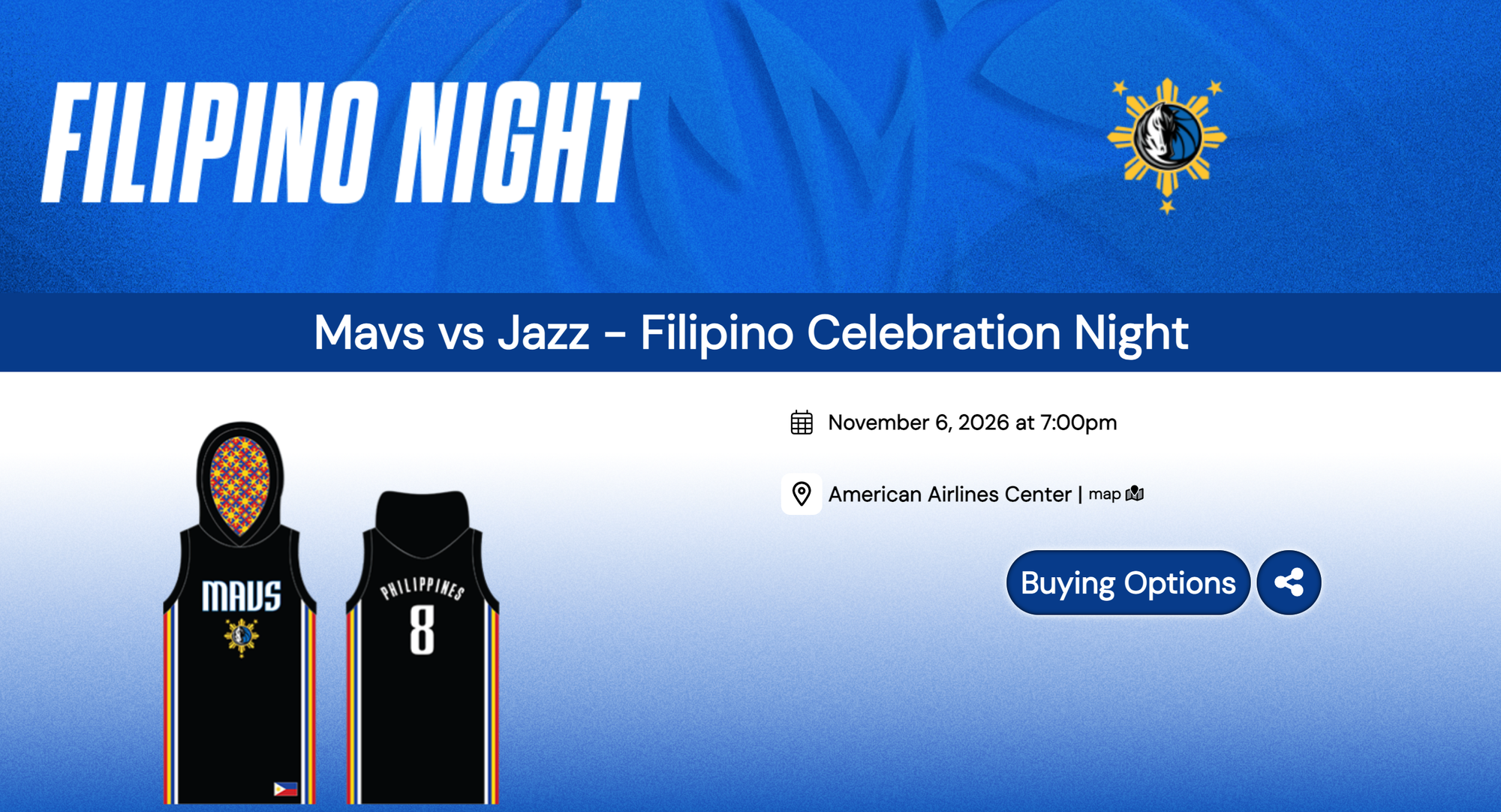
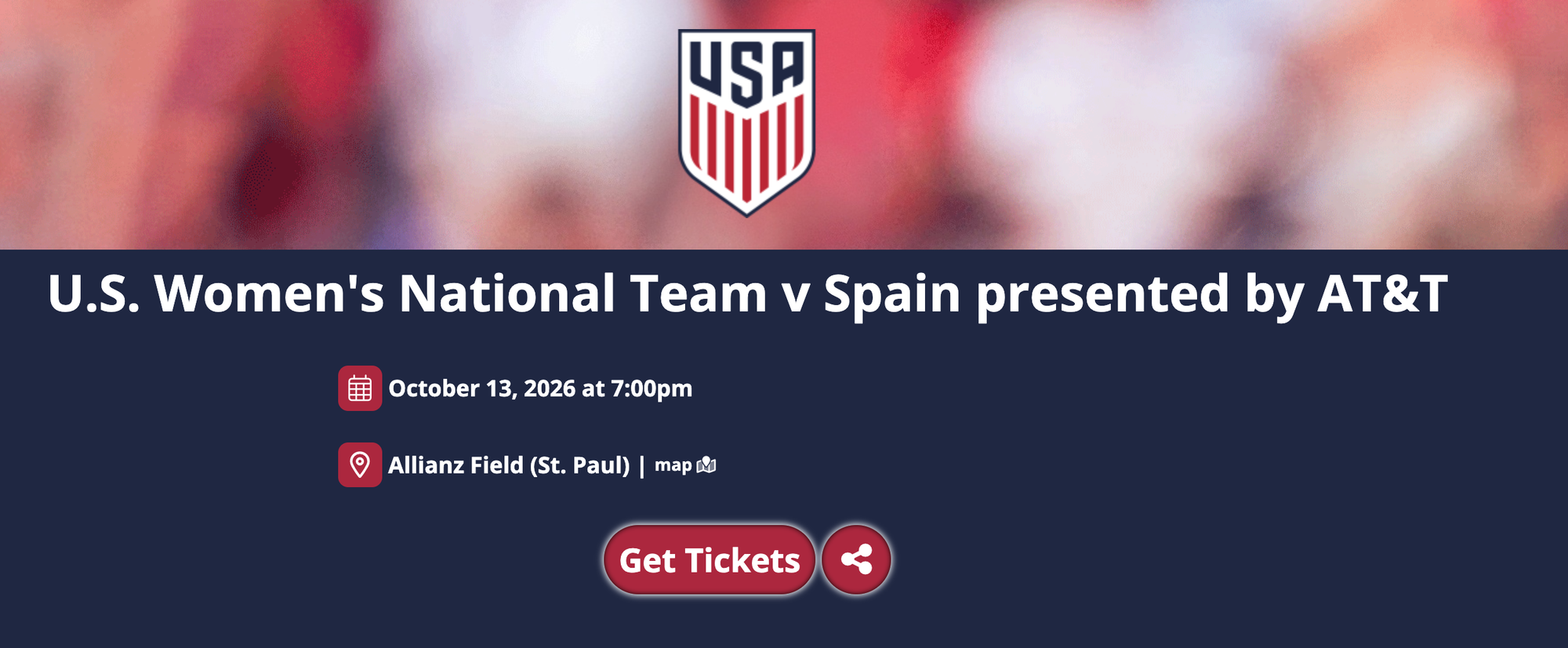
The header backsplash is a background that appears above the ribbon and behind the Header logo and Group logo, if one is included. Many teams have been adding in one or two backsplash options to their branding templates.
Although a backsplash can be more challenging to add, it provides another opportunity to enhance a team's branding. The examples below show the different ways teams have approached the backsplash option.
Adjusting Box & Button Shapes
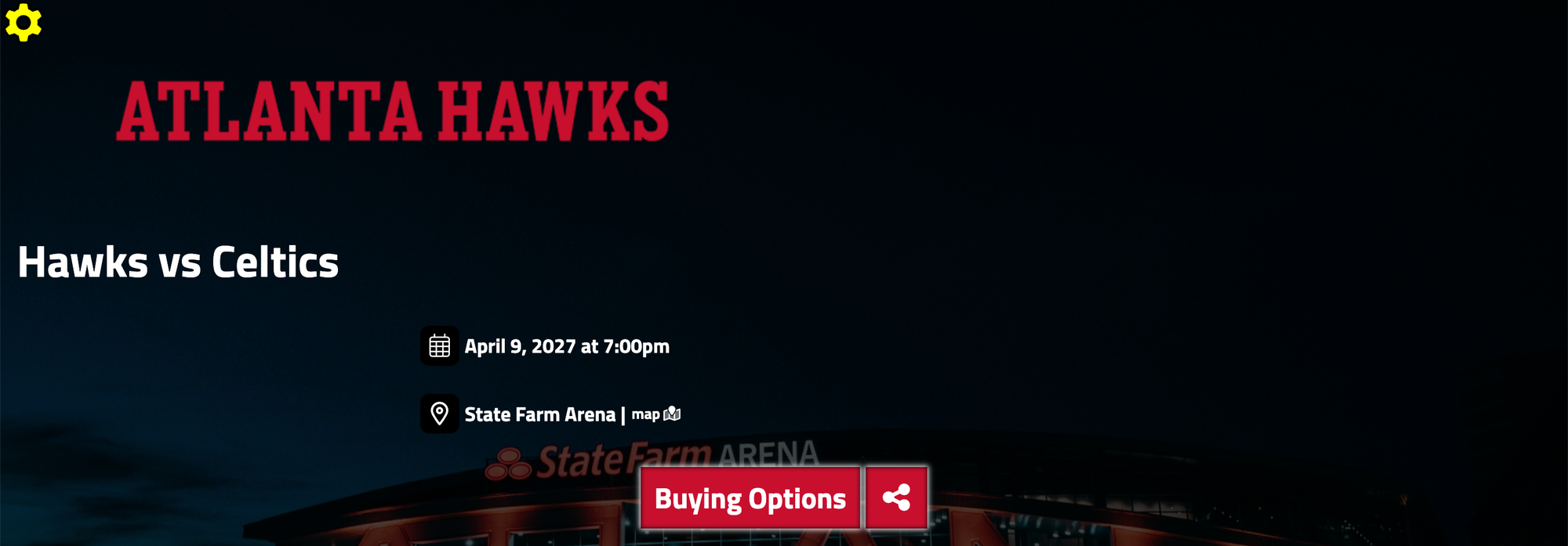
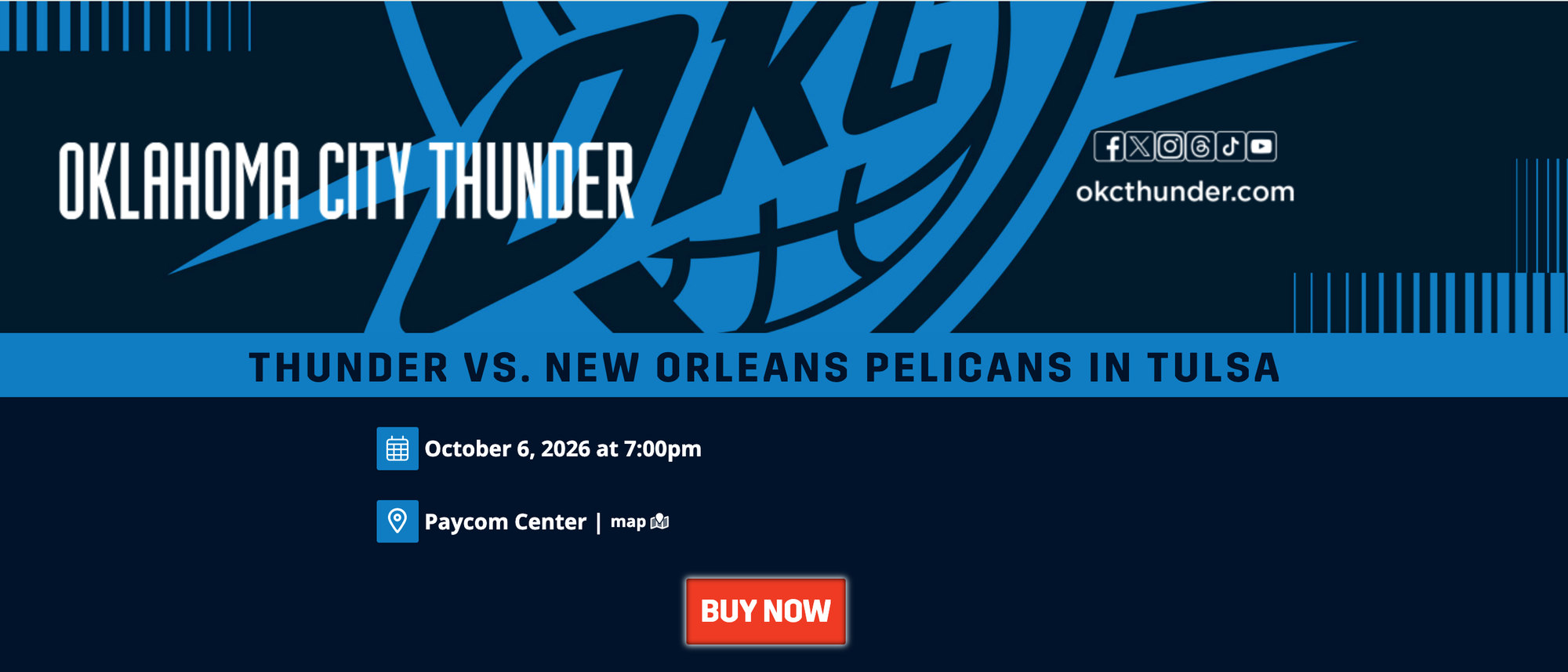
StyleUp also provides the option to adjust the shapes of content boxes, buttons and date/location icons. For example, boxes and buttons can be more squared off to better match a team's preferred branding.
In the examples below, the buy and share buttons are squared off in the Atlanta Hawks example, while the date and location icons along with the buy button are squared off in the Oklahoma City Thunder example.
Removing White Box from Checkout Screen
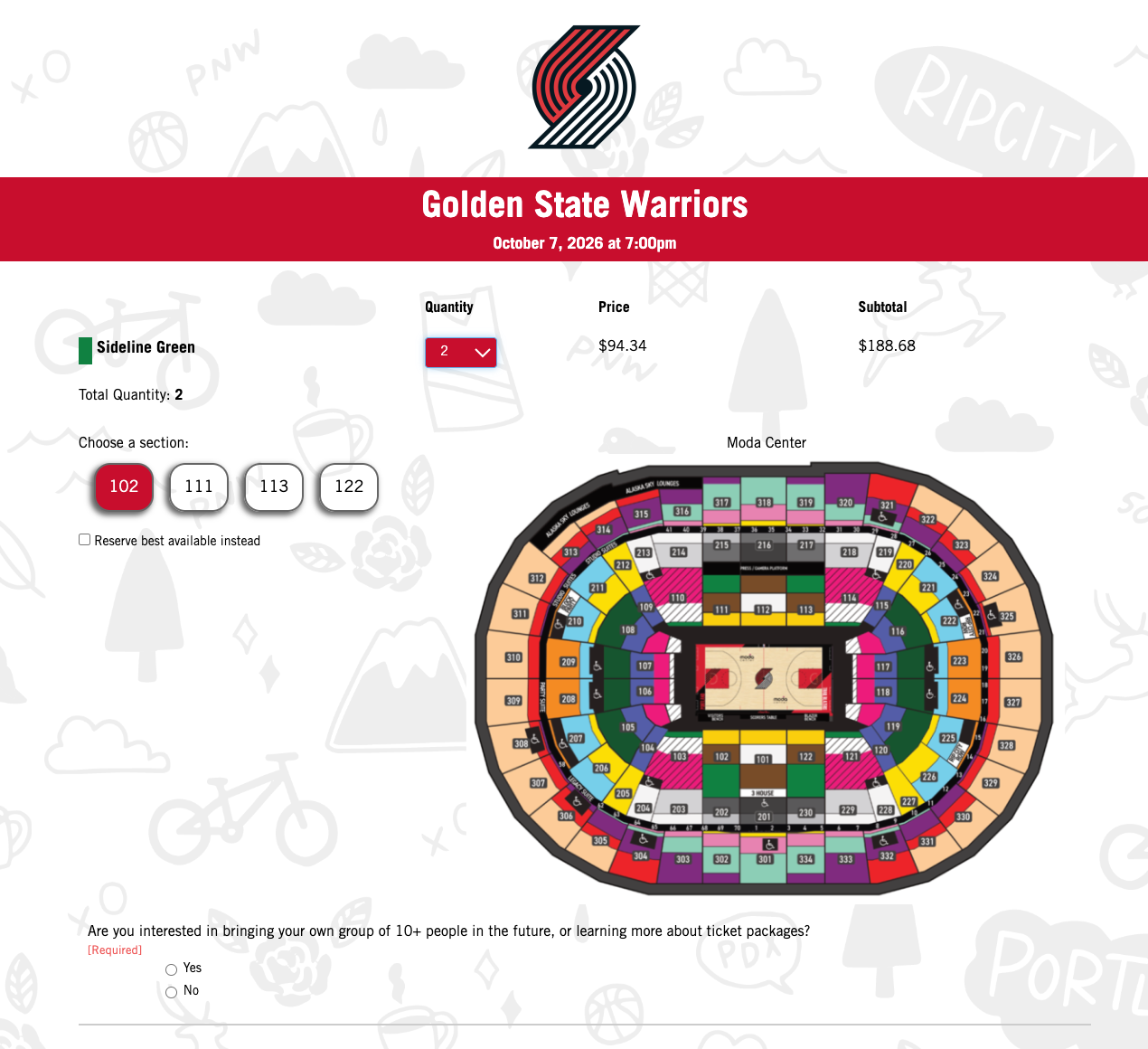
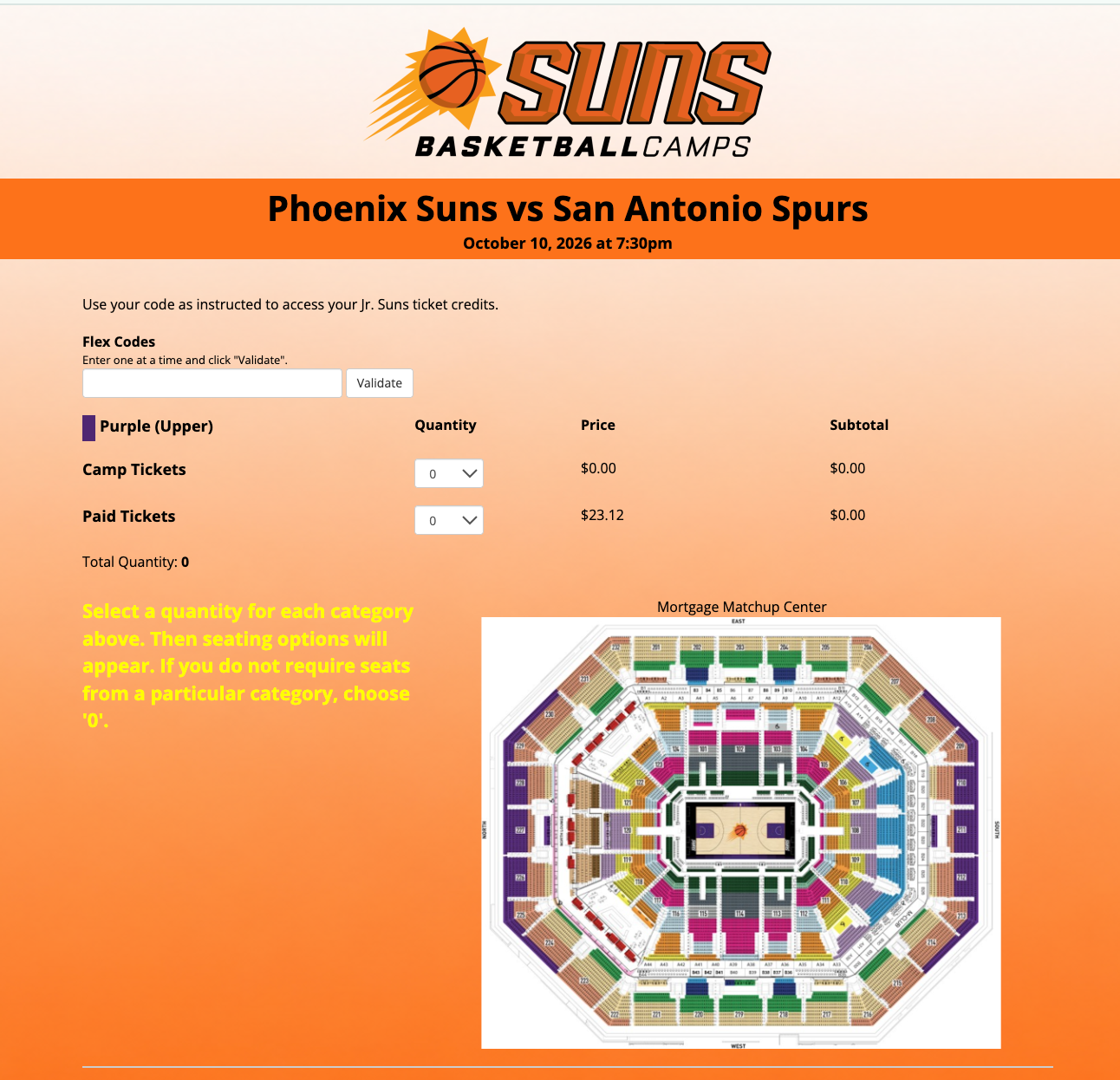
If a simple background is being used for a promotion, StyleUp provides the option to remove the white box from the seat selection page. This allows the promotion's background to carry through more prominently during the buying process.
*Note: Some colors on the checkout screen may need to be adjusted to account for the removal of the white box and ensure all information remains easy to read.
Spinzo's StyleUp opens the door to more creativity, with multiple ways to customize a page to better a fit a team's branding. If your team wants to update its branding or explore what is possible with StyleUp, please contact service@spinzo.com for assistance.